How to Choose a Laptop in 2026: The Buying Guide That Actually Helps
The laptop market in 2026 is broader and more confusing than it has ever been. Apple Silicon, AMD Ryzen, Intel Core Ultra, Snapdragon X Elite – four different processor architectures all claiming to be the fastest. OLED, IPS, mini-LED, LTPO displays with varying brightness, refresh rate, and color accuracy. Prices from $299 to $3,499 with no obvious pattern. This guide cuts through the noise with a framework for matching a laptop to what you actually need.
Start With the Platform Question
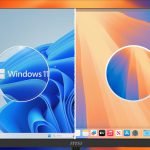
Before any other specification, ask: does your work require Windows, macOS, or are you platform-flexible? If your company uses Windows-only enterprise software, certain CAD applications, or you game on PC, you need Windows. If you rely on Final Cut Pro, Logic Pro, or prefer macOS specifically, you need macOS. If either works, you have real options – and macOS currently holds a performance-per-watt advantage that matters for battery life and thermals.
Match the Chip to Your Workload
Not all workloads need the same chip. Here is the framework:
- Office work, writing, web browsing, video calls: Any modern chip from 2022 or newer handles this. AMD Ryzen 7 8000 series, Intel Core Ultra 7, Apple M3, or Snapdragon X – all are more than enough. Save money here and spend on display or battery.
- Photo editing, light video: Any of the above plus 16GB RAM minimum. Apple M3/M4 have strong integrated GPU for Lightroom and Photoshop without a discrete card.
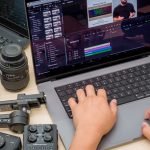
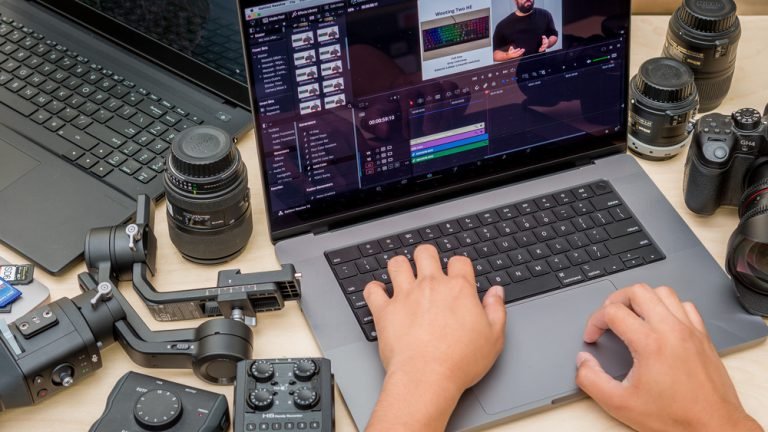
- Video editing (4K, professional): Apple M4 Pro or NVIDIA RTX 4060+ for GPU acceleration. Less than this and renders are slow enough to interrupt workflow.
- Gaming: NVIDIA RTX 4060 minimum for modern games at 1080p-1440p high settings. Discrete GPU is required.
- Machine learning / AI development: NVIDIA GPU for CUDA; Apple M4 chips for Apple-ecosystem ML work via Metal.
RAM: How Much Do You Need?
8GB: Fine for basic use in 2026 but will feel slow with many browser tabs or multiple applications open. Avoid if buying for three or more years.
16GB: The right starting point for most buyers in 2026. Handles office work, development, photo editing, and moderate multitasking well. Good for three to five years.
32GB: Right for video editing, large development environments, running VMs, or power users with heavy multitasking. Not necessary for most buyers.
64GB+: Professional workstations, ML development, or very specific high-memory applications. Most buyers will never need this.
Storage: SSD Size and Speed
256GB is workable if you use cloud storage heavily. 512GB is the practical minimum for most users with a normal application library and document collection. 1TB is comfortable for photographers and video editors. Avoid spinning hard drives entirely – they are only found in the cheapest laptops and the performance difference from an SSD is dramatic in daily use.
Display: What Matters and What Does Not
Resolution: 1080p is the minimum acceptable on a 15-inch screen. 1440p or better on 13-14-inch screens. Higher resolution = sharper text and images but slightly more GPU load.
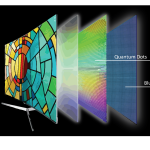
Panel type: IPS offers good colors and viewing angles. OLED offers true blacks and more vivid colors but costs more and draws more battery. Both are fine; neither is wrong for general use.
Brightness: 400 nits minimum for comfortable indoor use. 600+ nits for occasional outdoor use. Anything under 300 nits is a budget compromise.
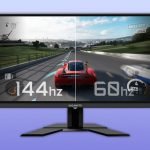
Refresh rate: 60Hz is sufficient for office work. 120Hz makes scrolling noticeably smoother. Higher than 120Hz matters primarily for gaming.
Battery Life: What the Spec Sheet Does Not Tell You
Manufacturer battery claims are measured under ideal conditions. Real-world battery life typically runs 60-75% of the advertised number. A laptop claiming 18 hours will deliver 11-13 hours of mixed daily use. Look for 15+ hour claims if you need all-day reliability without a charger. Apple Silicon laptops consistently deliver the best real-world battery life in the industry – often 80-85% of claimed figures.
Quick Reference by Use Case
| Use Case | Recommended Laptop | Price |
|---|---|---|
| Students, general use | Lenovo IdeaPad Slim 5 | $499 |
| Best value overall | Acer Swift Go 14 | $549 |
| MacOS productivity | MacBook Air M3 | $1,099 |
| Business/enterprise Windows | ThinkPad X1 Carbon Gen 12 | $1,649 |
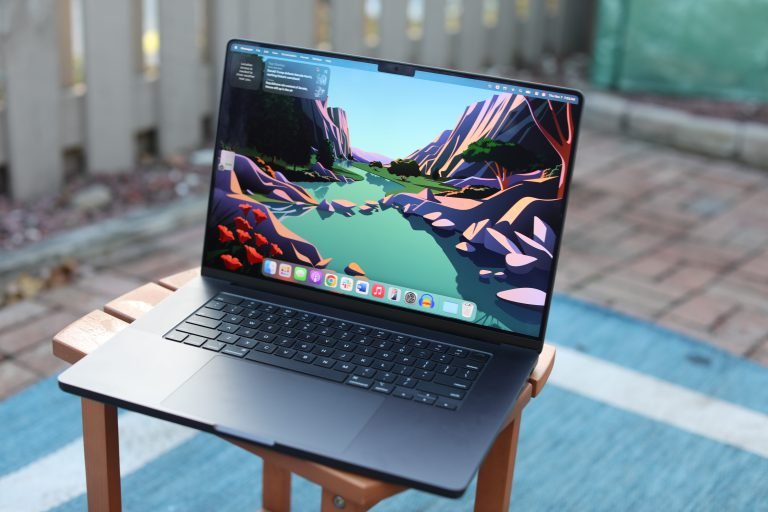
| Professional Mac | MacBook Pro M4 Pro | $1,999 |
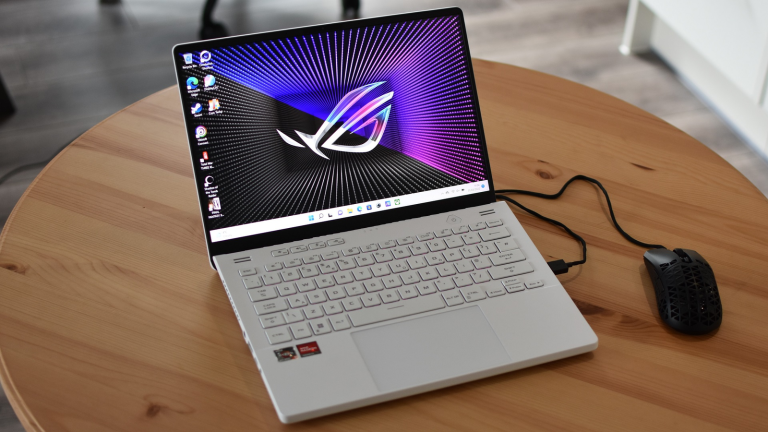
| Portable gaming + work | ROG Zephyrus G14 | $1,799 |
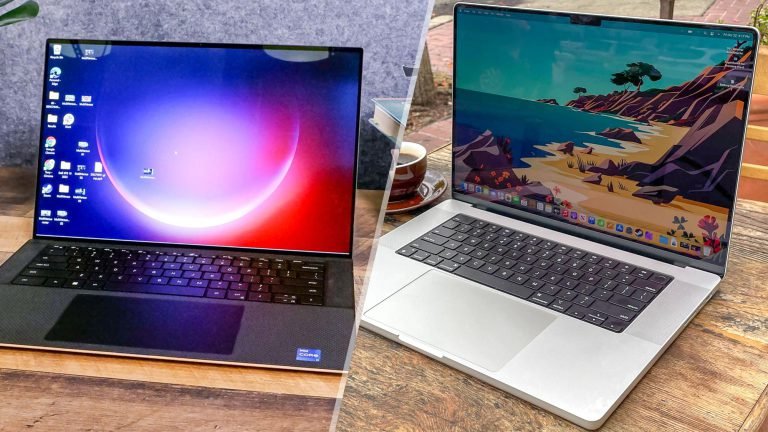
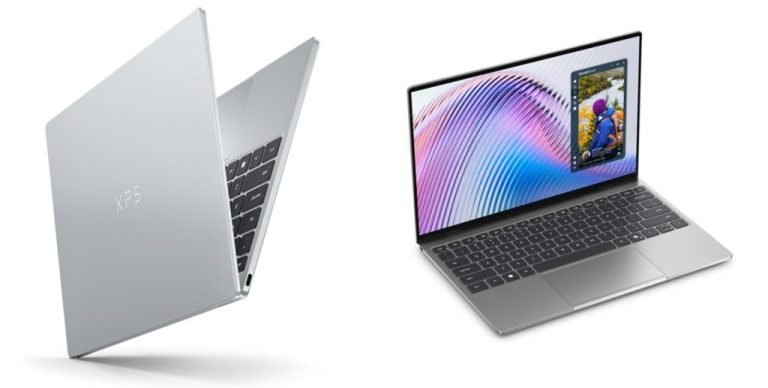
| Windows creative pro | Dell XPS 15 | $1,799 |
Each of these machines has a full review on Bytewise – start with the one that matches your budget and use case, then read the review to confirm it fits your specific needs before buying.