What Is a GPU and How Does It Work? Graphics Cards Explained
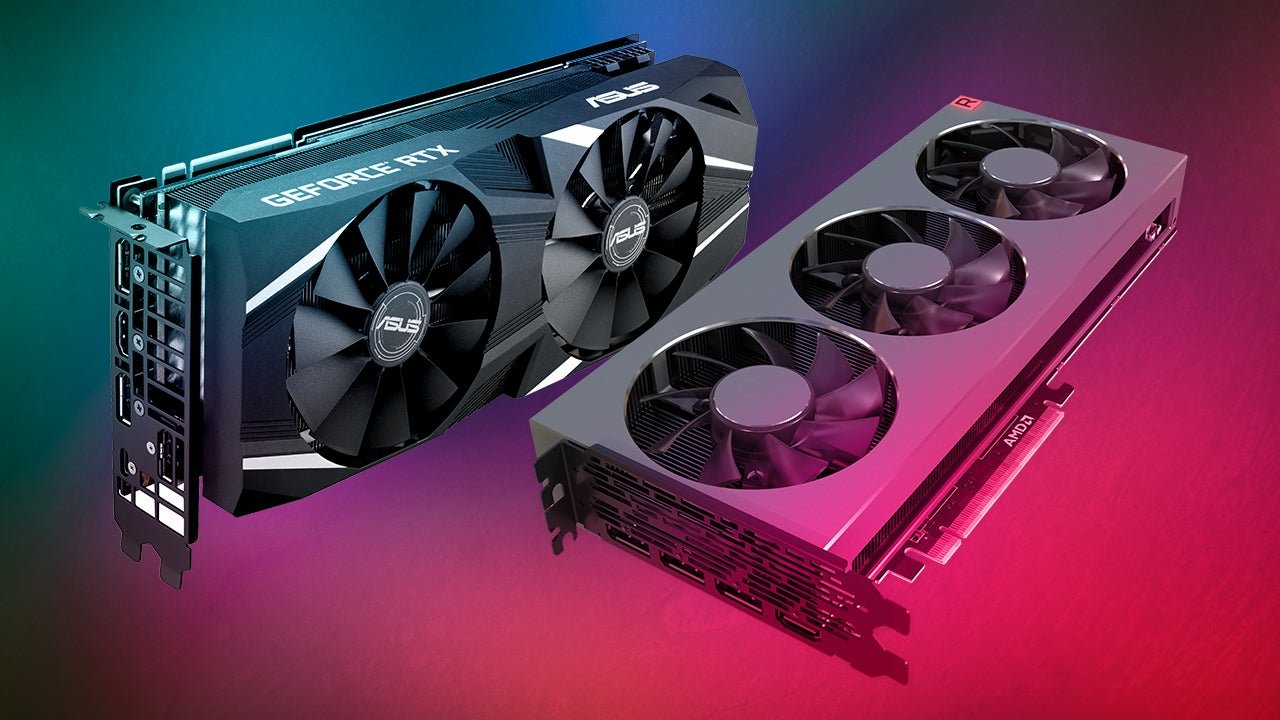
A GPU (Graphics Processing Unit) is a specialized chip designed to process visual and numerical data in parallel. Originally built for rendering 3D graphics in games, GPUs turned out to excel at any task requiring massive parallelism – which is why they now power AI training, cryptocurrency mining, scientific simulations, and video encoding alongside their original gaming purpose. This explainer covers what makes GPUs different from CPUs, how they render images, and what the specs on a GPU box actually mean.
CPU vs GPU: The Fundamental Difference
A CPU has a small number of very powerful cores – 8 to 24 in modern consumer chips – each capable of handling complex, sequential logic. A GPU has thousands of much simpler cores – an NVIDIA RTX 4090 has 16,384 CUDA cores – designed to execute simple operations simultaneously across massive datasets.
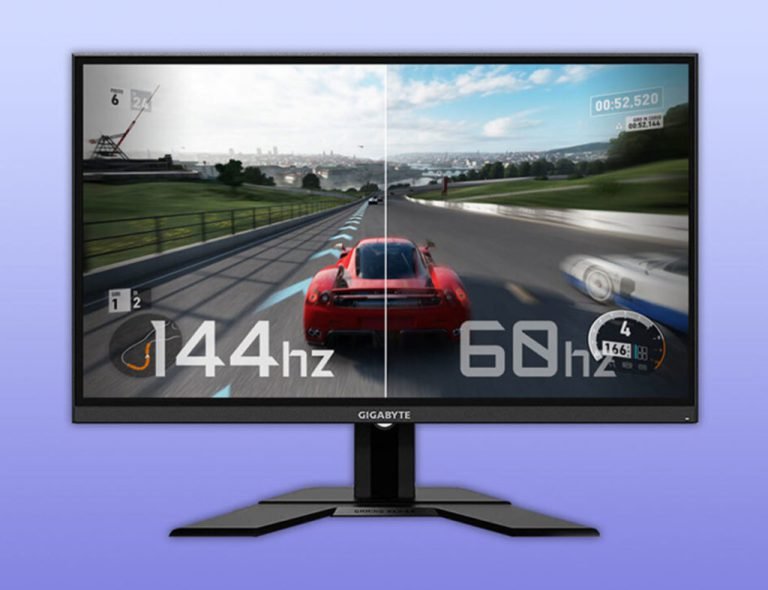
The analogy: a CPU is like eight expert chefs who can each prepare any dish. A GPU is like 16,000 kitchen workers who each do one repetitive task simultaneously. The chefs are more flexible but slow when you need to make 10,000 identical portions. For parallel, repetitive computation – like calculating the color of every pixel on screen 144 times per second – thousands of simple workers are far faster than a handful of experts.
How GPUs Render 3D Graphics
A 3D game world is built from polygons – flat triangular surfaces that form the shapes of objects. The GPU’s rendering pipeline processes these polygons through several stages:
- Geometry processing: The GPU processes each polygon’s position in 3D space, applying transformations based on the camera position (what you see) and object positions (where they are in the world). This happens for millions of polygons per frame.
- Rasterization: The GPU projects the 3D polygons onto the 2D screen and determines which pixels each polygon covers. This converts the 3D world into a 2D grid of pixel-sized fragments.
- Shading: Shader programs run on each pixel, calculating its final color based on lighting, shadows, textures, reflections, and material properties. Modern games run extremely complex shader code – thousands of instructions per pixel – which is why shading is the primary bottleneck in rendering performance.
- Output: The final frame is assembled in the framebuffer (a section of VRAM) and sent to the display at the refresh rate’s timing.
What VRAM Is and Why It Matters
VRAM (Video RAM) is the dedicated memory on the GPU used to store textures, frame buffers, shader programs, and geometry data needed during rendering. It is separate from system RAM because GPU cores need to access this data at extremely high bandwidth – an RTX 4090’s GDDR6X VRAM reaches 1,008 GB/s memory bandwidth, compared to around 90 GB/s for typical DDR5 system RAM. This speed is necessary to keep thousands of GPU cores fed with data every millisecond.
VRAM capacity determines what fits in GPU memory at once. At 1080p with standard textures, 8 GB of VRAM is sufficient. At 4K with high-resolution texture packs and ray tracing enabled, some games exceed 8 GB. When the GPU runs out of VRAM, it falls back to system RAM for overflow storage – which has dramatically lower bandwidth, causing performance drops. This is why 12-16 GB VRAM is increasingly the target for high-end gaming at 4K.
Ray Tracing: What It Is and What It Costs
Traditional rasterization simulates lighting with approximations – pre-calculated ambient occlusion maps, reflection cubemaps, and shadow maps. These approximations are fast but inaccurate. Ray tracing simulates light physically: it traces rays from the camera into the scene, calculates how each ray bounces off surfaces, passes through glass, and reaches light sources, producing accurate reflections, shadows, and global illumination.
Ray tracing is computationally expensive because real scenes require tracing thousands of rays per pixel to produce clean results without noise. NVIDIA’s RTX architecture (starting with RTX 2000 series) added dedicated RT cores – fixed-function hardware for ray-triangle intersection calculations – that accelerate the most expensive part of ray tracing. Even with dedicated RT cores, enabling full ray tracing at 4K halves frame rates in most games. DLSS, FSR, and XeSS (upscaling technologies) reclaim this performance loss by rendering at a lower resolution and upscaling to the target resolution using AI or spatial algorithms.
GPU Specs Decoded
- CUDA cores (NVIDIA) / Stream processors (AMD): The count of shader execution units. More cores generally means more parallel processing capacity, though core counts between architectures are not directly comparable – an AMD RX 7900 XTX has 6,144 stream processors and outperforms many NVIDIA GPUs with higher CUDA core counts because each stream processor in RDNA 3 does more work per cycle.
- VRAM: Capacity in GB and type (GDDR6, GDDR6X). Higher capacity and bandwidth enable higher resolution and more complex scenes.
- TDP (Thermal Design Power): The maximum power the GPU draws under full load, measured in watts. Higher TDP GPUs require larger power supplies and better case cooling. An RTX 4090 has a 450W TDP; a mid-range RTX 4060 is 115W.
- Memory bus width: How wide the connection between the GPU and VRAM is, in bits. A 256-bit bus with GDDR6X provides more bandwidth than a 128-bit bus with the same memory type. Wider is generally better for bandwidth.
- Clock speed: GPU core clock in MHz. Like CPU clock speed, higher is faster within the same architecture, but cross-architecture comparisons are unreliable.
For specific GPU recommendations at each budget level, see our GPU for every budget guide which covers current NVIDIA and AMD options with real-world gaming performance data.