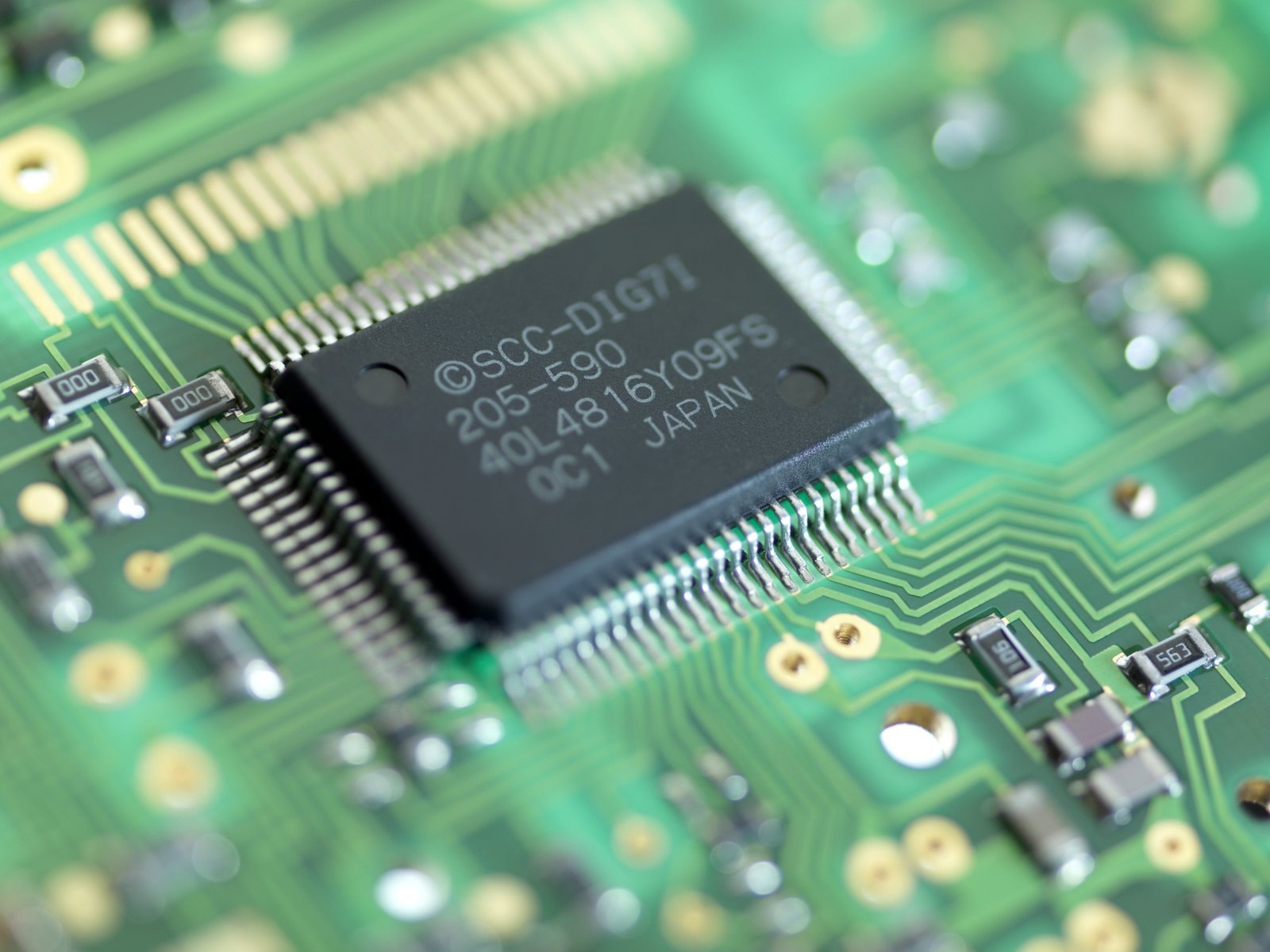
A CPU (Central Processing Unit) is the chip that executes the instructions your software sends it – every calculation, file operation, and app interaction runs through the CPU at some point. The spec sheets for modern CPUs include core counts, thread counts, clock speeds, cache sizes, and TDP figures that interact in non-obvious ways. This explainer focuses on the three specs that matter most for consumer performance decisions: cores, threads, and clock speed.
What a Core Is
A core is an independent processing unit within the CPU die that can execute instructions. A CPU with eight cores can execute eight independent instruction streams simultaneously. This matters because modern operating systems and applications are designed to distribute work across multiple cores – running many processes at once. A core-limited CPU finishes tasks sequentially; a multi-core CPU parallelizes them.
Doubling the core count does not double performance in every situation. The benefit of additional cores depends entirely on whether the software is written to use them – a workload that runs primarily on a single thread gains almost nothing from going from 8 to 16 cores. Most games, for example, have historically been single-thread-dominant. Video encoding and 3D rendering, by contrast, distribute work across every available core, and running on 16 cores versus 8 cores provides close to a 2x speedup.
What a Thread Is
A thread is a sequence of instructions that can execute within a core. Traditional cores execute one thread at a time. Intel’s Hyper-Threading Technology (HTT) and AMD’s equivalent SMT (Simultaneous Multi-Threading) allow a single physical core to execute two threads simultaneously by sharing the core’s execution units between them.
This is why you see “8 cores / 16 threads” on many Intel and AMD CPUs – eight physical cores, each executing two threads simultaneously, appearing to the operating system as 16 logical processors. Hyper-Threading typically improves throughput on heavily multi-threaded workloads by 20-30% but does not double performance, because both threads share the same physical core resources.
Modern Intel Core processors (12th Gen and later) add a twist: the big.LITTLE architecture with Performance cores (P-cores) and Efficiency cores (E-cores). P-cores are large, fast cores with hyperthreading – the ones that handle demanding single-threaded and gaming workloads. E-cores are smaller, more power-efficient cores without hyperthreading, used for background tasks, light multitasking, and helping with multi-threaded workloads. An Intel Core i7-14700K has 8 P-cores (16 threads) + 12 E-cores (12 threads) = 20 cores / 28 threads – the core count reflects both types.
What Clock Speed Means
Clock speed (measured in GHz – gigahertz, or billions of cycles per second) determines how many instruction cycles a core completes per second. A core running at 5.0 GHz completes 5 billion cycles per second. More cycles = more instructions executed per second, assuming the instructions are equal in complexity.
The complication: CPUs from different generations and manufacturers complete different amounts of work per clock cycle – called IPC (Instructions Per Clock). A newer CPU running at 4.5 GHz can outperform an older CPU running at 5.5 GHz because its IPC is higher. This is why raw GHz comparisons between different CPU generations or manufacturers are misleading. A Ryzen 9 9950X at 5.7 GHz outperforms an Intel Core i7-6700K at 4.0 GHz by a wide margin, but comparing two modern Ryzen 9000 CPUs by their clock speeds is a reasonable shortcut since IPC is nearly identical between them.
Base Clock vs Boost Clock
CPUs specify two clock speeds:
Base clock: The minimum guaranteed clock speed at the rated TDP (power). Under full sustained load, the CPU maintains at least this speed without thermal throttling. The base clock on modern consumer CPUs (3.5-4.5 GHz) is conservative.
Boost clock: The maximum speed the CPU reaches when thermal and power headroom allow – typically for a few seconds or on a single heavily loaded core. A CPU boosting to 5.7 GHz will only sustain that speed momentarily, then settle to a speed between base and boost depending on cooling and power delivery.
Cache: The Often-Overlooked Spec
CPU cache is fast on-chip memory that stores frequently accessed data so the CPU does not have to wait for slower system RAM. L1 cache (fastest, smallest – a few hundred KB) sits closest to the cores. L2 cache is larger and slightly slower. L3 cache (largest – typically 32-128 MB on modern consumer CPUs) is shared across all cores and stores recently used data before it must go back to RAM.
More L3 cache often improves gaming performance because games repeatedly access the same data (textures, game state) – AMD’s 3D V-Cache technology stacks an additional 64 MB of L3 cache on top of the standard L3, and the Ryzen 7 7800X3D’s 96 MB total L3 cache provides gaming performance that exceeds CPUs with higher clock speeds specifically because games fit more critical data in cache rather than waiting on RAM.
Which Specs Matter for Different Use Cases
Use Case
What Matters Most
Gaming (most games)
Single-core clock speed + L3 cache
Video editing / encoding
Core count + multi-thread performance
3D rendering (Blender, etc.)
Core count, highest priority
Software compilation
Core count + memory bandwidth
Office / web / general use
Single-core speed; core count matters little
Machine learning inference
GPU usually more important than CPU
For a current CPU recommendation paired with a gaming build, see our $1,000 gaming PC build guide which covers Intel and AMD CPU choices in context with the rest of the component selections.
Buying a monitor is harder than it looks – resolution, panel type, refresh rate, and response time all interact with each other and with your specific use case. This guide cuts through the spec sheet to tell you what actually matters.
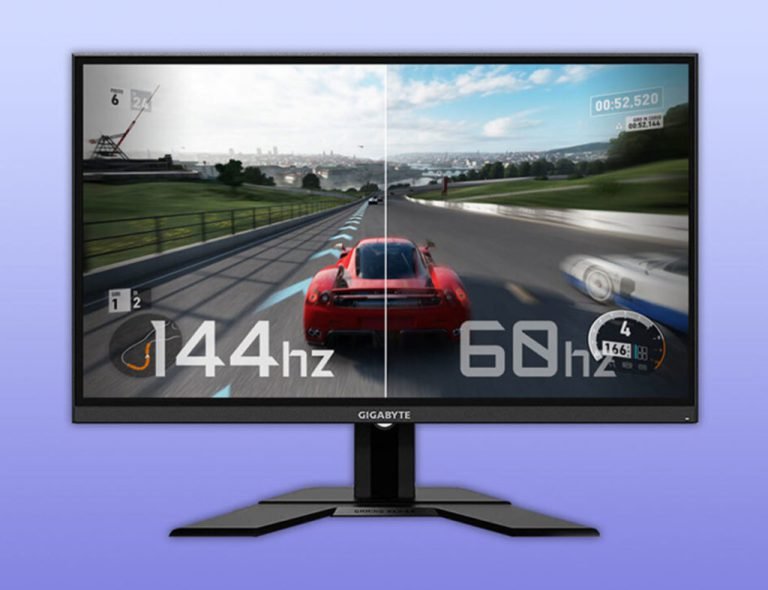
Refresh rate appears in monitor and phone specs as 60Hz, 90Hz, 120Hz, or 144Hz. This explainer covers what it actually means, how it relates to frame rate, and why the jump from 60Hz to 120Hz feels so noticeable in practice.
“The cloud” gets mentioned in everything from your iPhone backup prompts to enterprise software. This explainer covers what it actually is, how your data gets there and back, and why cloud services sometimes go down even though they are supposed to be always on.
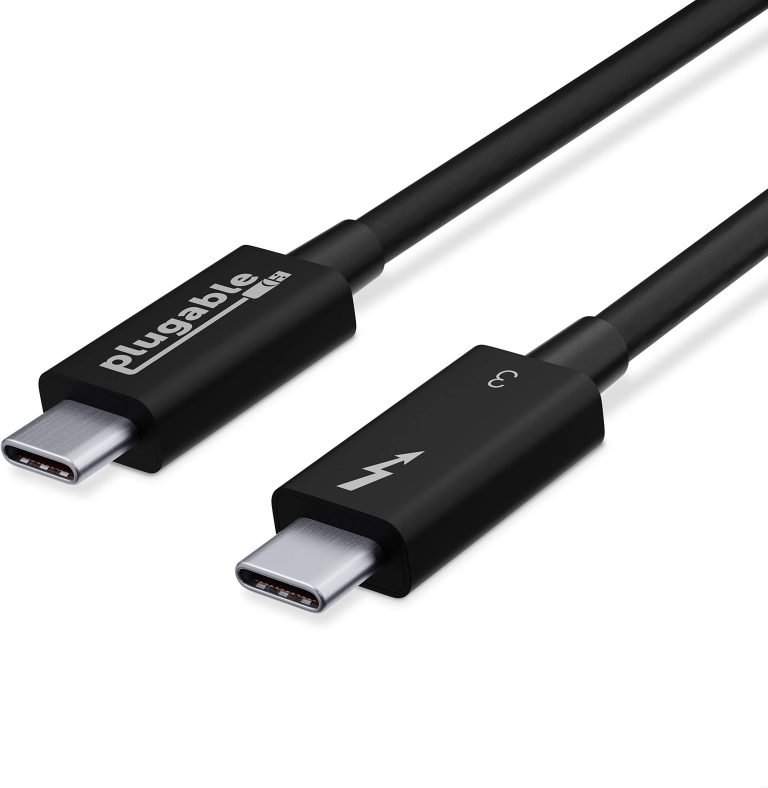
USB-C is a connector shape, not a standard – which is why some USB-C cables charge slowly and others carry video. This explainer covers USB 3.x, Thunderbolt 3, 4, and 5, and how to know what your ports actually support.
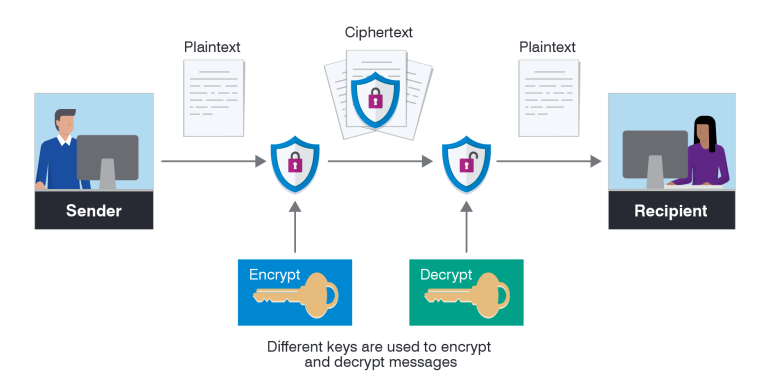
Encryption is mentioned in privacy policies, VPN marketing, and security news. This explainer covers what encryption actually does, how HTTPS protects your browser traffic, and what “end-to-end encryption” means for messaging apps.
Bluetooth is in almost every device you own, but most people have no idea why it sometimes drops, why range varies so much, or what the version number on the spec sheet actually means. This explainer covers all of it.