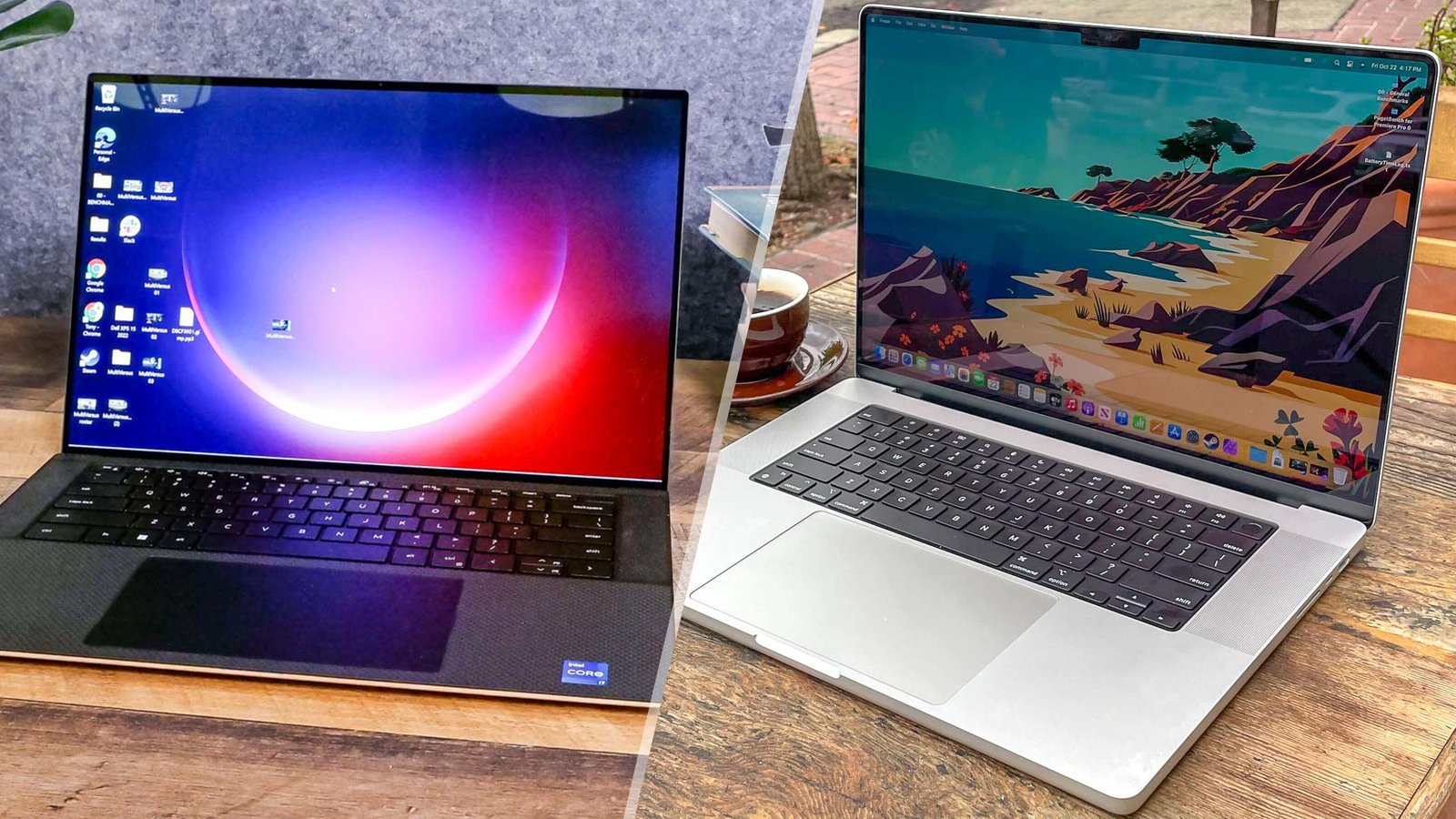
MacBook Pro M4 vs Dell XPS 15: Which Premium Laptop Should You Buy?
Two laptops define the premium tier for professionals in 2026: the MacBook Pro M4 Pro and the Dell XPS 15. Both cost around $2,000 in their most popular configurations. Both target professionals who spend all day at their machine. Both are excellent. The right choice depends entirely on your platform requirements and what you prioritize. Here is the head-to-head comparison that makes the decision clear.
Performance: MacBook Wins
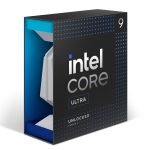
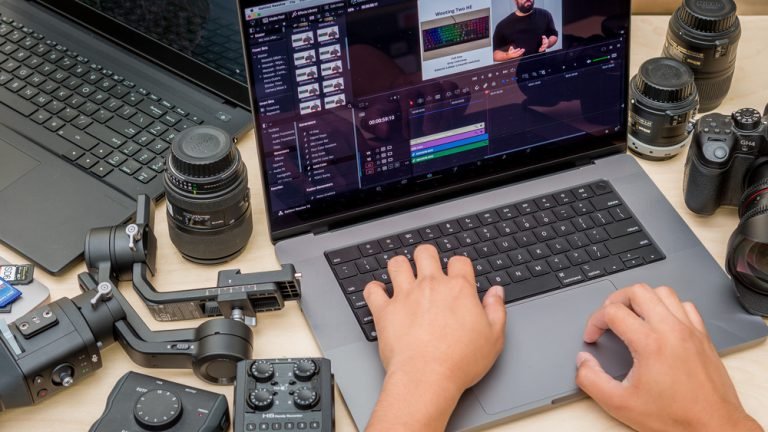
The M4 Pro chip outperforms Intel Core Ultra 9 on sustained CPU workloads. The gap is significant on tasks like video rendering, code compilation, and machine learning model inference. More importantly, the MacBook maintains peak performance indefinitely – it does not thermal throttle under sustained load. The XPS 15 drops to 60-70% of peak CPU performance after 20-30 minutes of continuous heavy workload as the thermal system struggles. For professional workloads that run long, this difference is material.
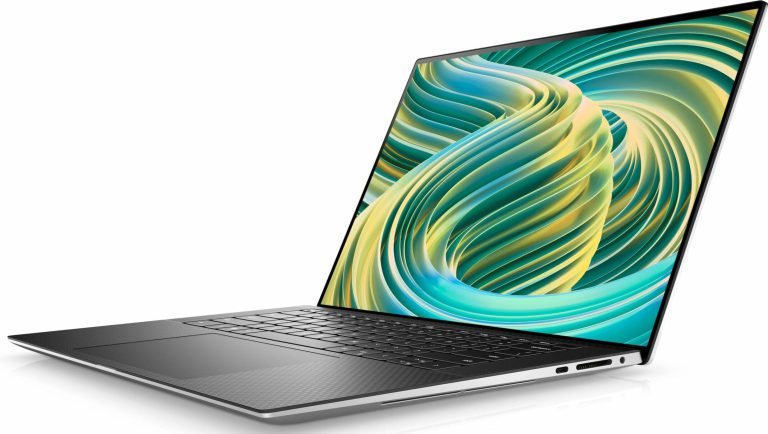
The XPS 15 wins on GPU performance: the RTX 4060 handles tasks that require CUDA acceleration – gaming, NVIDIA-specific rendering, some machine learning workloads – that the MacBook Pro’s GPU cannot match. If discrete GPU performance is your primary need, the XPS 15 is the choice.
Display: Tie, Different Strengths
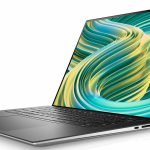
The MacBook Pro M4 features a 3024×1964 Liquid Retina XDR IPS panel at 120Hz: 1000 nits sustained, 1600 nits peak HDR. The XPS 15 OLED option offers 3456×2160 at 120Hz with true blacks and 600 nits peak. Both are exceptional. The MacBook’s XDR panel is brighter outdoors. The XPS 15 OLED has deeper blacks and more vivid colors in controlled environments. For outdoor use, the MacBook wins. For color-critical creative work indoors, the OLED advantage is real. Neither is a wrong choice.
Battery Life: MacBook Wins Decisively
MacBook Pro M4 Pro: 14-16 hours of mixed productivity work unplugged. Dell XPS 15: 6-7 hours of mixed productivity, 3-4 hours with discrete GPU active. This gap is not narrow. Users who work away from power outlets for extended periods – long flights, client sites, conference rooms without outlets – experience a qualitatively different machine on the MacBook. The XPS 15 requires carrying its large 130W charger almost everywhere for all-day professionals.
Thermals and Noise: MacBook Wins
The MacBook Pro runs silently on all but the heaviest workloads. The XPS 15 fans engage frequently during moderate work – Chrome with many tabs, video calls, background file operations – and run loudly during demanding tasks. In quiet environments like libraries and meeting rooms, the XPS 15’s fan behavior is noticeable. For users who prioritize quiet operation, the MacBook is the clear choice.
Ports: XPS 15 Wins
Dell XPS 15: 2× Thunderbolt 4, 1× USB-A, HDMI 2.1, SD card reader. MacBook Pro: 3× Thunderbolt 4, HDMI 2.1, SD card reader, MagSafe. Both are generous by laptop standards. The XPS 15’s USB-A port is the practical advantage for users connecting legacy peripherals without dongles. The MacBook’s additional Thunderbolt port and MagSafe fast charging are useful for power users with multiple monitors and peripherals.
Software Ecosystem
This is often the deciding factor that makes the comparison irrelevant. Windows-only enterprise software, specific CAD or engineering applications, or gaming requirements force the XPS 15. Final Cut Pro, Logic Pro, and a preference for macOS UI force the MacBook. Most users have a platform requirement that narrows the choice before the hardware comparison matters.
Value
| Feature | MacBook Pro M4 Pro | Dell XPS 15 |
|---|---|---|
| Starting price | $1,999 | $1,799 |
| CPU performance (sustained) | Winner | Throttles under load |
| GPU performance | Good | Winner (RTX 4060) |
| Battery life | 14-16 hrs | 6-7 hrs |
| Display | Excellent IPS XDR | Excellent OLED |
| Thermals/noise | Winner | Loud under load |
| Ports | Excellent | Excellent + USB-A |
The Verdict
If platform is not predetermined: the MacBook Pro M4 Pro is the stronger professional laptop. Better sustained performance, dramatically better battery life, quieter thermals, and macOS reliability justify the slight price premium. The XPS 15 wins for users who need Windows, need NVIDIA GPU acceleration, or game. Read our full MacBook Pro M4 Pro review and Dell XPS 15 review for complete details on each machine.