Top 10 Best Laptops for Programming in 2026
Choosing the right laptop for programming depends on your development stack, operating system requirements, and portability needs. This list covers laptops that excel at code compilation, offer excellent keyboards for long typing sessions, provide sufficient RAM and storage for development environments, and deliver the battery life developers need for productive work sessions.
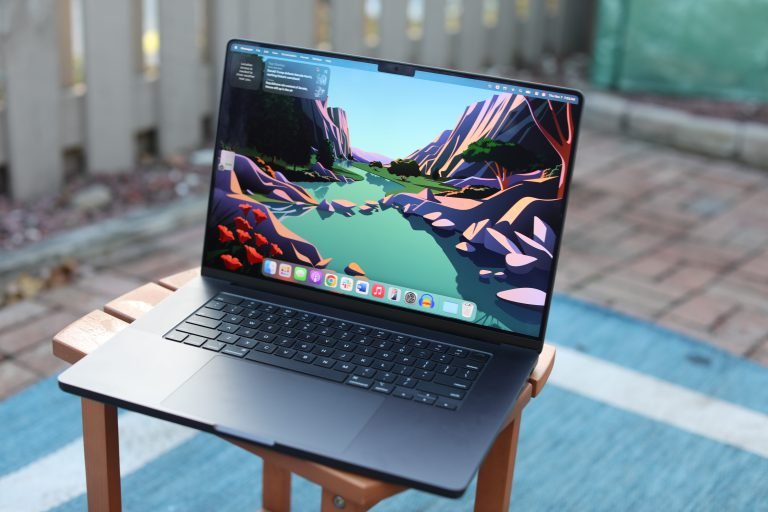
1. Apple MacBook Pro 16-inch M4 Pro
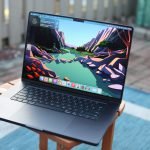
The MacBook Pro M4 Pro remains the top choice for most professional developers. The M4 Pro chip delivers exceptional compilation speeds – roughly twice as fast as the M1 Pro in complex Swift projects. It comes with 24GB unified memory in the base configuration, expandable to 48GB, and offers 14-16 hours of real-world battery life. The 16-inch Liquid Retina XDR display provides excellent color accuracy for front-end work. Pricing starts at $2,499.
Ideal for iOS developers, web developers, and backend engineers who prefer Unix-based workflows. The native terminal, Homebrew ecosystem, and Docker performance make it the most complete development environment for macOS users. The main limitation is the lack of CUDA support for machine learning developers who need NVIDIA GPU acceleration.
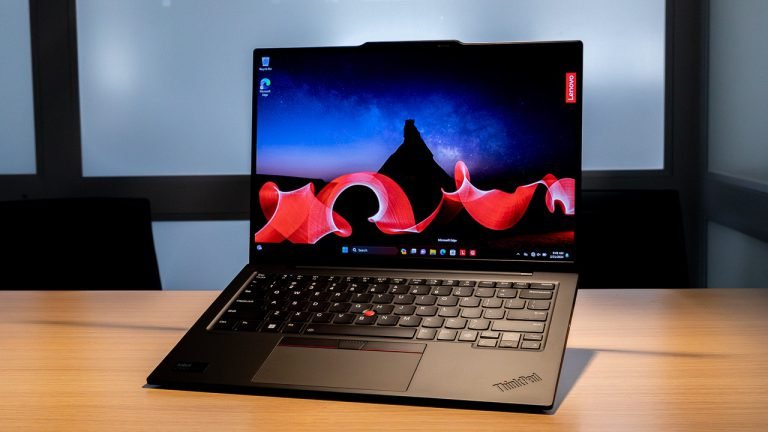
2. Lenovo ThinkPad X1 Carbon Gen 12
The ThinkPad X1 Carbon Gen 12 features Intel Core Ultra 7 155H processors, up to 64GB RAM, and weighs just 2.48 pounds. The 14-inch 2.8K OLED display option offers excellent readability for code, while the legendary ThinkPad keyboard provides the best typing experience on any Windows laptop. Battery life reaches 10-12 hours with typical development workloads. Pricing starts at $1,449 and climbs to $2,800 fully configured.
Best suited for enterprise developers working in .NET, corporate environments requiring Windows domain integration, and programmers who prioritize keyboard quality above all else. WSL2 support makes Linux development viable. The integrated graphics limit GPU-intensive tasks like local machine learning training.
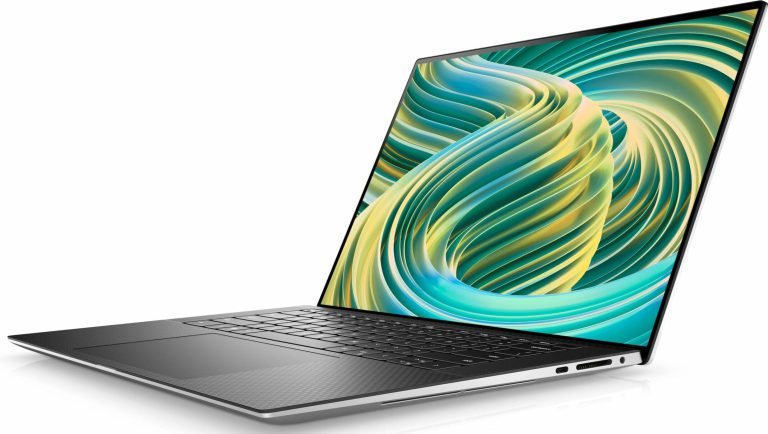
3. Dell XPS 15 9540
The Dell XPS 15 combines a stunning 15.6-inch 3.5K OLED display with NVIDIA RTX 4060 graphics, making it the go-to choice for developers who need CUDA support. It ships with Intel Core Ultra 9 processors, up to 64GB DDR5 RAM, and fast PCIe 4.0 storage. The compact chassis fits a 15-inch screen into a 14-inch footprint. Pricing ranges from $1,699 to $2,899 depending on configuration.
Machine learning engineers, computer vision developers, and data scientists who need to run local GPU-accelerated training should consider this laptop. The RTX 4060 handles smaller model training effectively. Battery life drops to 6-8 hours under development loads, and the keyboard is good but not ThinkPad-level.
4. Framework Laptop 16
The Framework Laptop 16 offers unprecedented modularity with user-replaceable RAM, storage, ports, keyboard, and even GPU modules. It supports up to 64GB DDR5 RAM, AMD Ryzen 9 7940HS processors, and optional AMD Radeon RX 7700S graphics through an expansion bay. The 16-inch 2560×1600 display runs at 165Hz. Base configurations start at $1,399, with fully loaded versions reaching $2,400.
Perfect for developers who want full control over their hardware, prefer repairable devices, or run Linux as their primary operating system. Framework provides excellent Linux driver support. The modular design adds slight thickness compared to ultrabooks, and the ecosystem of expansion modules continues to grow.
5. Apple MacBook Air 15-inch M4
The MacBook Air 15-inch M4 delivers surprising performance for lighter development work in a fanless design. The M4 chip handles web development, scripting, and moderate compilation tasks without thermal throttling. It includes 16GB unified memory standard, a bright 15.3-inch Liquid Retina display, and achieves 15-18 hours of battery life. The weight of 3.3 pounds makes it highly portable. Pricing starts at $1,299.
Suited for web developers, students, freelancers, and programmers who prioritize portability over raw power. It handles JavaScript, Python, Ruby, and similar languages with ease. The fanless design means sustained heavy compilation will throttle performance, making it less suitable for large-scale C++ or mobile app projects.
6. Lenovo ThinkPad P16s Gen 3
The ThinkPad P16s Gen 3 is a workstation-class laptop with ISV certifications for professional software. It features Intel Core Ultra 7 vPro processors, NVIDIA RTX 500 Ada graphics, up to 64GB RAM, and a 16-inch 2.5K display. The MIL-STD-810H durability rating ensures it survives demanding travel schedules. Pricing starts at $1,579.
Enterprise developers working with CAD software, scientific computing, or applications requiring certified hardware should prioritize this model. The NVIDIA professional GPU ensures compatibility with specialized software that may have issues on consumer GPUs. It weighs 4 pounds – heavier than the X1 Carbon but reasonable for a workstation.
7. ASUS ROG Zephyrus G14 2025
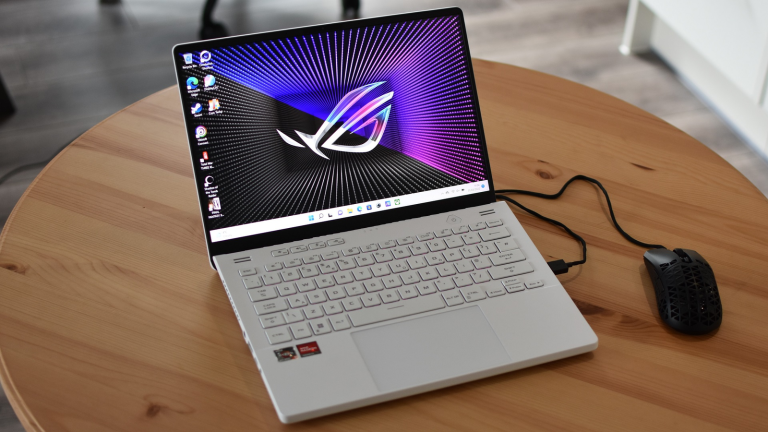
The ASUS ROG Zephyrus G14 packs NVIDIA RTX 4070 graphics into a 3.3-pound chassis – the most GPU power available in a compact form factor. It runs AMD Ryzen 9 8945HS processors, up to 32GB RAM, and features a 14-inch 2.8K OLED display at 120Hz. The keyboard includes per-key RGB lighting and comfortable key travel. Pricing ranges from $1,599 to $2,199.
Game developers, graphics programmers, and ML engineers who need serious GPU power in a portable package should consider the G14. The RTX 4070 handles Unreal Engine development and medium-scale model training. Battery life drops to 5-6 hours during intensive work, and the gaming aesthetic may not suit corporate environments.
8. Microsoft Surface Laptop 6
The Surface Laptop 6 offers the cleanest Windows experience with Intel Core Ultra processors, a 15-inch PixelSense touchscreen at 2496×1664 resolution, and excellent build quality. It includes up to 64GB RAM, fast SSD storage, and achieves 13 hours of battery life. The 3:2 display aspect ratio shows more vertical code than traditional 16:9 screens. Pricing starts at $1,299 for the 13.5-inch model and $1,499 for the 15-inch version.
Front-end developers, technical writers who code, and Windows developers who value aesthetic design will appreciate this laptop. The touchscreen aids certain design workflows. The lack of dedicated GPU and limited port selection – only USB-C and USB-A – may frustrate some power users.
9. System76 Lemur Pro
The System76 Lemur Pro ships with Pop!_OS or Ubuntu pre-installed and optimized for Linux development. It weighs 2.5 pounds, offers Intel Core Ultra 7 processors, up to 40GB RAM, and delivers 12-14 hours of battery life. The open-source firmware (Coreboot) provides transparency that security-conscious developers appreciate. Pricing starts at $1,149.
Linux-native developers, open-source contributors, and programmers who want guaranteed hardware compatibility with their operating system should prioritize System76 products. The American-based support team understands developer needs. Build quality is good but not quite at ThinkPad or MacBook levels, and the display could be brighter.
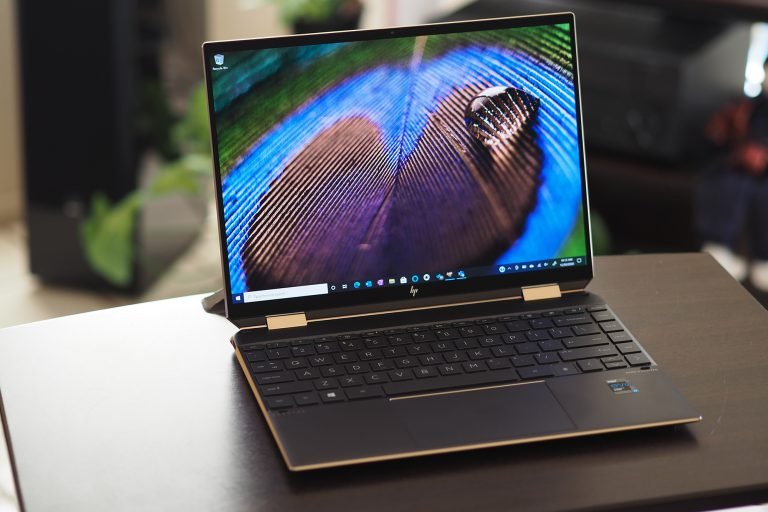
10. HP ZBook Firefly 14 G11
The HP ZBook Firefly 14 G11 balances workstation features with ultrabook portability. It includes Intel Core Ultra 7 vPro processors, NVIDIA RTX A500 professional graphics, up to 64GB RAM, and a 14-inch display with HP Sure View privacy screen option. The weight stays under 3.1 pounds despite the dedicated GPU. Pricing starts at $1,649.
Developers in consulting or client-facing roles who need professional GPU certification plus the Sure View privacy feature for working in public spaces will find this laptop useful. The compact size and ISV certifications make it versatile. GPU performance trails consumer RTX options, limiting heavy ML training workloads.
Bottom Line: The MacBook Pro M4 Pro remains the best overall choice for most developers, combining unmatched battery life with excellent performance and the Unix-based macOS environment. Windows and Linux developers should strongly consider the ThinkPad X1 Carbon for typing comfort or the Dell XPS 15 when NVIDIA GPU support is essential.