MacBook Pro M4 Pro Review: The Best Laptop for Professionals in 2026
Apple’s M4 Pro chip arrived with claims of a 40% CPU performance boost over M3 Pro. After three weeks of daily use – compiling code, running video renders, keeping 30 browser tabs open, and working unplugged for full days – I can confirm: the claims are not marketing. The MacBook Pro M4 Pro is the best laptop available in 2026 for professional work that does not require discrete GPU power.
Design and Build
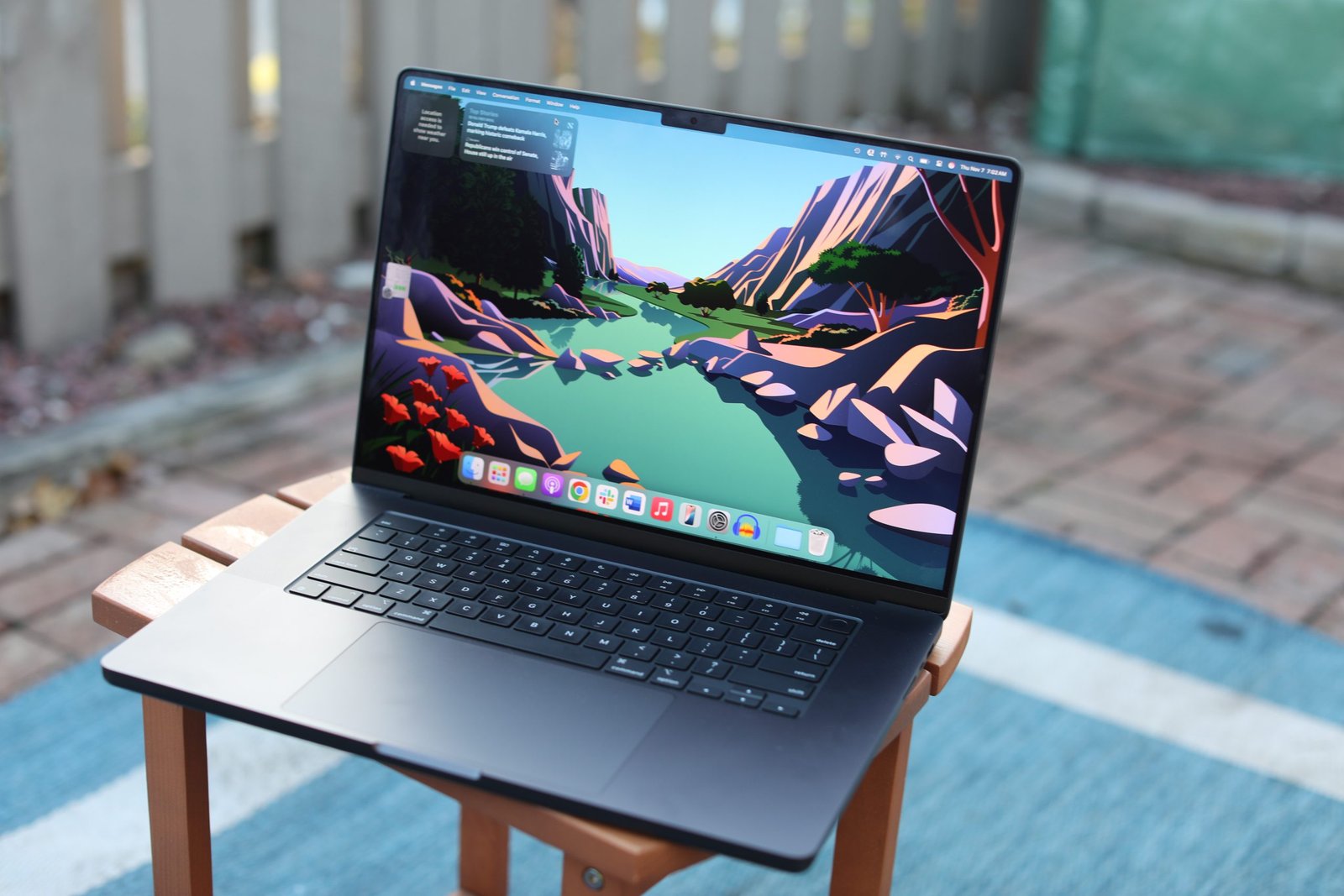
Nothing changed physically from the M3 Pro model. The Space Black aluminum chassis looks good and feels solid. It is slightly heavier than an ultrabook at 2.14kg for the 14-inch, but the trade-off is a sturdy frame that flexes nowhere when typing. The port selection remains generous by laptop standards: three Thunderbolt 4 ports, HDMI 2.1, SD card reader, MagSafe 3, and a headphone jack with high-impedance support. Professionals who remember the dark years of dongles appreciate this.
Specs at a Glance
| Specification | Details (14-inch M4 Pro) |
|---|---|
| Chip | Apple M4 Pro (12-core CPU, 20-core GPU) |
| RAM | 24GB unified memory (up to 64GB) |
| Storage | 512GB SSD (up to 8TB) |
| Display | 14.2-inch Liquid Retina XDR, 3024×1964, ProMotion 120Hz |
| Battery | 72.4Wh |
| Battery life (rated) | Up to 22 hours |
| Weight | 1.61kg (14-inch) |
| Ports | 3× Thunderbolt 4, HDMI, SD, MagSafe, 3.5mm |
| Starting price | $1,999 (14-inch M4 Pro) |
Display
The Liquid Retina XDR panel is one of the best laptop displays made. 1000 nits sustained brightness, 1600 nits peak HDR, wide P3 color gamut, ProMotion 120Hz refresh that drops to 1Hz when content is static to save battery. Text is sharp at normal viewing distance. Video and photography work looks accurate and vivid without oversaturation. The notch remains divisive; I forgot it existed after two days.
Performance
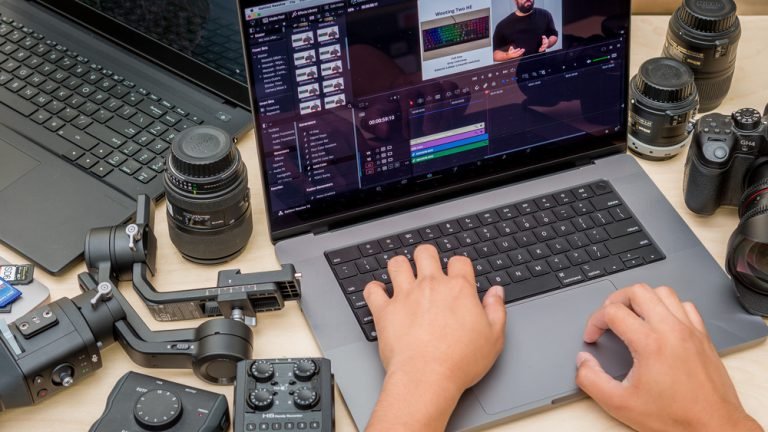
The M4 Pro chip performs at a level that would have required a desktop workstation two generations ago. Xcode compilation on a medium-sized Swift project: 47 seconds. The same compilation on an M1 Pro: 98 seconds. Final Cut Pro rendering a 10-minute 4K timeline with color grading: 3 minutes 20 seconds, with the machine staying quiet and cool throughout. The efficiency cores handle background tasks so silently that I occasionally checked whether the machine was on.
Sustained performance under load is where Apple Silicon continues to differentiate itself from Intel and AMD competitors. After 30 minutes of continuous Handbrake video encoding, performance dropped by less than 5% from the starting benchmark. Windows laptops at this price frequently thermal-throttle to 60-70% of peak performance after sustained load.
Battery Life
Apple claims 22 hours. Real-world mixed use – writing, coding, video calls, some video streaming – delivered 14-16 hours consistently. Demanding work (compiling, rendering) brought that to 8-10 hours. Both figures are exceptional. The 96W MagSafe charger restores about 50% charge in 30 minutes. The machine charges over Thunderbolt 4 too, so any USB-C power bank or charger works in a pinch.
Keyboard and Trackpad
The Magic Keyboard with scissor switches remains the best laptop keyboard in production. Key travel is satisfying without being deep, actuation is consistent, and the layout is sensible with full-size function keys and Touch ID. The Force Touch trackpad is enormous and the palm rejection is faultless – not once in three weeks did I accidentally trigger a click while typing. Windows laptop manufacturers still have not closed this trackpad gap.
Thermals and Noise
The fans activate under sustained heavy load – rendering, compiling, heavy Photoshop operations – and reach a maximum of about 35dB, which is audible in a quiet room but not disruptive. Under typical office work, the machine runs passively silent. The bottom stays warm but not uncomfortably hot. This thermal behavior represents a significant advantage over comparable Windows laptops that run fans constantly under lighter loads.
Who Should Buy It
The MacBook Pro M4 Pro at $1,999 is the right laptop for: software developers, video editors, audio producers, photographers who process RAW files, and any professional who needs sustained high performance for hours without a power outlet. It is not the right laptop for anyone who needs Windows-only software, prefers a gaming-capable machine, or finds $1,999 genuinely unattainable for work hardware.
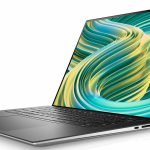
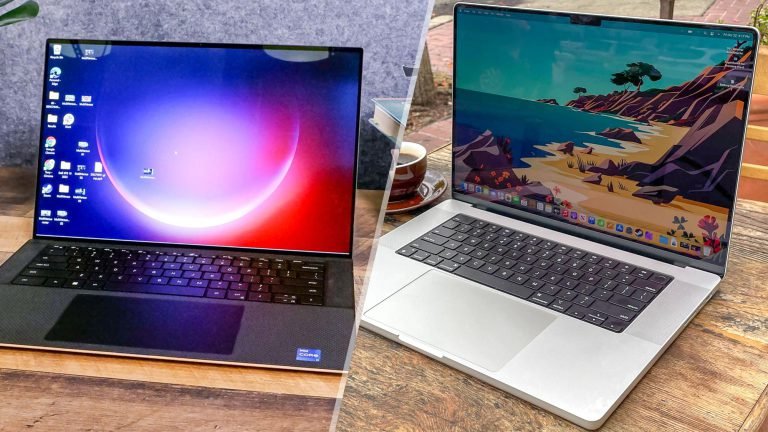
For Windows alternatives at this price tier, read our Dell XPS 15 review. For a more affordable MacBook option, see our MacBook Air M3 review.
Verdict
The MacBook Pro M4 Pro is the benchmark other laptops are measured against. Performance, display quality, battery life, build quality, and keyboard – it leads or ties every category. The price is high. For professionals who use their laptop as a primary work machine, the productivity gain and longevity (Apple typically supports hardware for six to eight years) justify the investment. It earns a strong recommendation for the right buyer.
The MacBook Pro M4 Pro is what a professional laptop should be: fast, quiet, long-lasting, and built to stay relevant for years.