MacBook Air M3 Review: Still the Best Everyday Laptop in 2026
The MacBook Air M3 starts at $1,099 and does not have a fan. No fan means silence – always, under all conditions. It also means the chip throttles when sustained processing heat builds up. For about 90% of laptop users, that trade-off is completely invisible. For the other 10%, the Pro exists. After two weeks of daily use, here is whether the Air or the Pro makes more sense for most people.
Design and Build
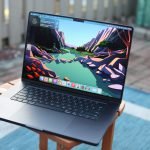
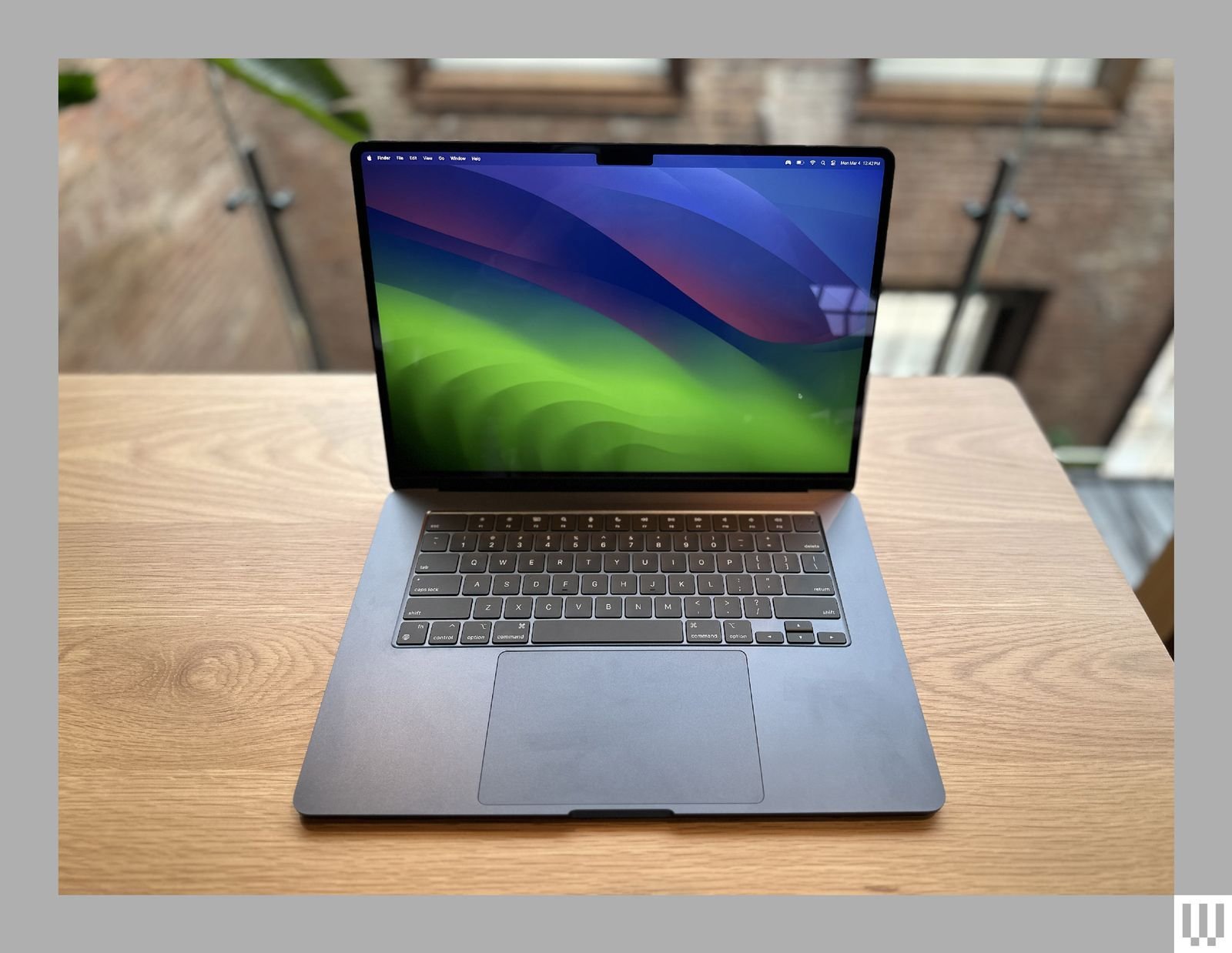
The MacBook Air M3 uses the redesigned chassis introduced with the M2 model: flat edges, MagSafe, and two Thunderbolt 3 ports. At 1.24kg it is meaningfully lighter than the MacBook Pro. The midnight and starlight colors both look excellent; midnight shows fingerprints noticeably, starlight hides them. The display notch is present, as on the Pro. Build quality is excellent – the aluminum chassis feels premium and flexes nowhere.
Specs at a Glance
| Specification | Details (13-inch M3) |
|---|---|
| Chip | Apple M3 (8-core CPU, 10-core GPU) |
| RAM | 8GB / 16GB / 24GB unified memory |
| Storage | 256GB – 2TB SSD |
| Display | 13.6-inch Liquid Retina, 2560×1664, 60Hz |
| Battery | 52.6Wh |
| Battery life (rated) | Up to 18 hours |
| Weight | 1.24kg (13-inch) |
| Ports | 2× Thunderbolt 3, MagSafe, 3.5mm |
| Starting price | $1,099 (8GB, 256GB) |
Display
The 13.6-inch Liquid Retina panel at 2560×1664 resolution is excellent for general use. It lacks ProMotion (capped at 60Hz) and the extreme brightness of the Pro’s XDR panel – 500 nits sustained versus 1000 nits on the Pro. Outdoors in direct sunlight, the Air’s display is readable but not comfortable for extended work. For indoor use, cafes, and dim offices, the display is excellent. Color accuracy is good – within P3 gamut coverage – making it fine for casual photo editing.
Performance
M3 performance is fast for everyday tasks. Web browsing, office applications, video calls, light photo editing, and coding all feel instant. The fanless design means no thermal throttling for short bursts of intense work – rendering a short clip, compiling a small project, running a machine learning model – but sustained heavy work over 20-30 minutes will cause the chip to pull back from peak performance to manage heat passively. For most users, this never surfaces.
Battery Life
Apple rates 18 hours; real-world mixed use delivers 12-14 hours. This is genuinely all-day without a charger for most workdays. Video streaming at medium brightness runs about 11 hours. The Air charges over MagSafe or USB-C – the included 35W dual-port charger fills it in about 2 hours, or 30W over USB-C works fine. The USB-C charging compatibility is the Air’s practical advantage: any modern charger works.
Air vs Pro: Which Should You Buy?
Buy the Air if: your heaviest tasks are writing, coding general software, video calls, and productivity apps. You want the lightest possible laptop. Budget matters and you are willing to max out RAM to 16GB at the time of purchase.
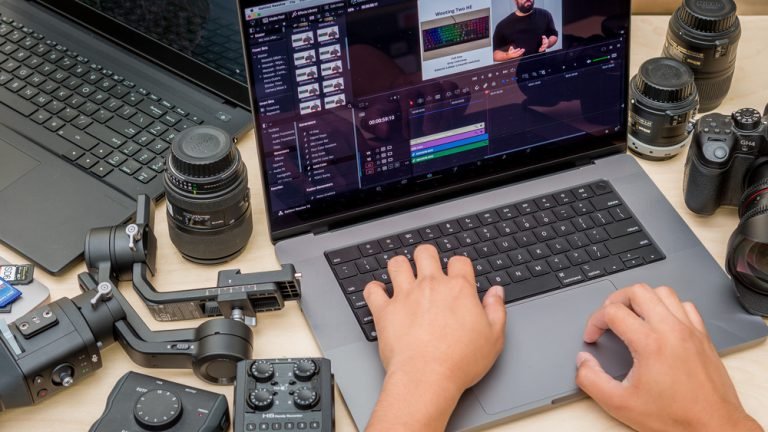
Buy the Pro if: you regularly do video editing, heavy compilation, 3D rendering, or any sustained professional workload. You need the brighter XDR display, ProMotion, HDMI, and SD card reader ports. You value silence over everything and the Pro’s active cooling handles heat without throttling.
For the full Pro comparison, read our MacBook Pro M4 Pro review. For Windows alternatives in the same price range, our Dell XPS 13 review covers the main competitor.
Verdict
The MacBook Air M3 is the right laptop for most people. It is faster than anything most users need for daily work, lighter than the Pro, quieter than anything with a fan, and starts at $1,099. The only meaningful compromise is port selection and display brightness. For everyday computing, writing, general software development, and portable work, it is difficult to justify spending more on the Pro. Get 16GB of RAM – the 8GB base model is tight as a long-term investment.