Top 10 Best USB-C Hubs and Docking Stations of 2026
USB-C hubs and docking stations restore the ports that slim laptops sacrifice for portability – adding HDMI, Ethernet, USB-A, and card readers through a single cable. This list ranks options by value, performance, and reliability across price points. Key factors include Thunderbolt vs standard USB-C bandwidth, power delivery wattage, and display output capabilities for single or dual monitor setups.
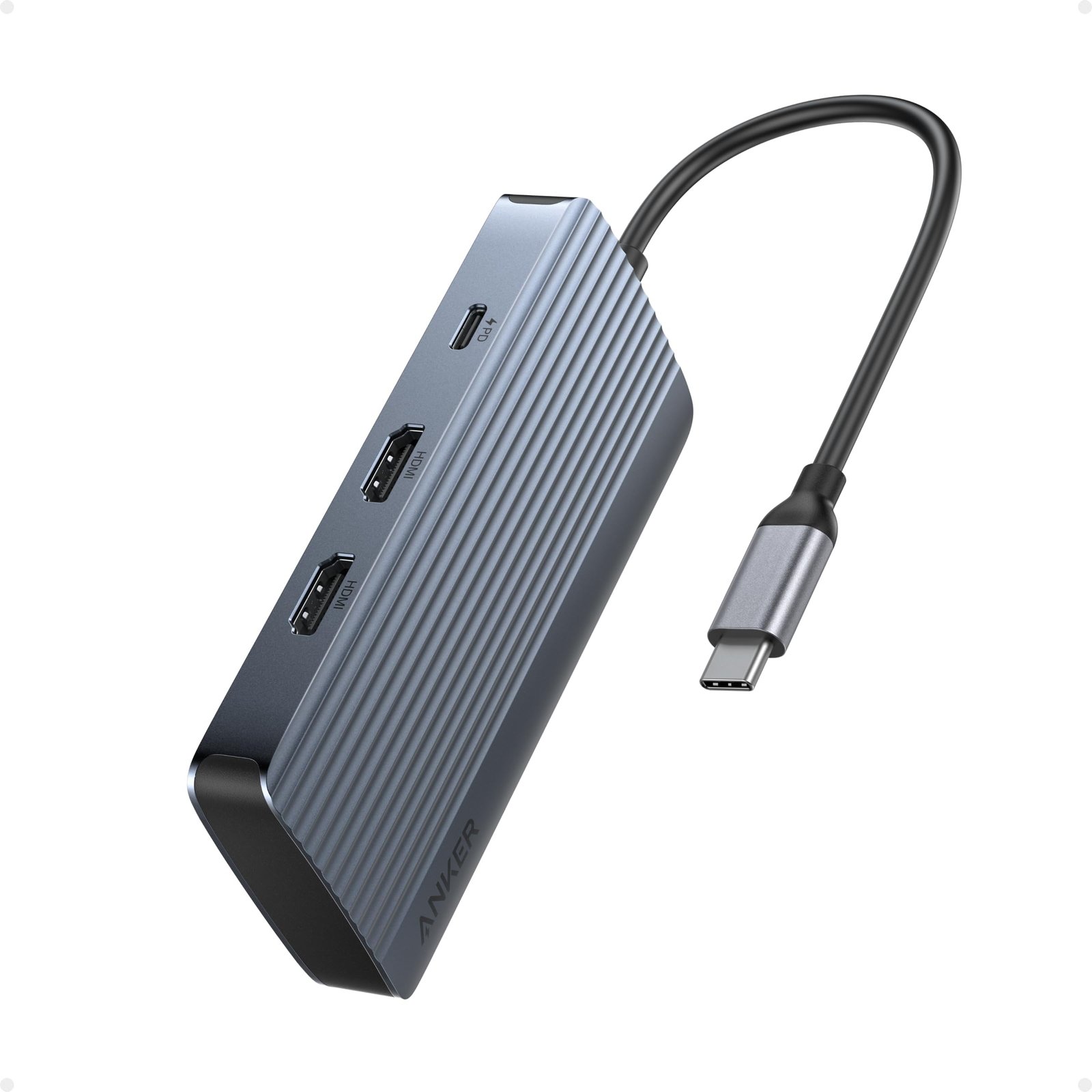
1. Anker 555 USB-C Hub (8-in-1)
The Anker 555 delivers eight ports in a compact aluminum shell for around $50-60. It includes USB-C power delivery at 100W passthrough, HDMI 2.0 output at 4K/60Hz, one USB-C data port at 10 Gbps, two USB-A ports at 5 Gbps, SD and microSD card readers, and Gigabit Ethernet. The aluminum construction handles heat dissipation better than plastic alternatives during extended use.
This hub suits users who need a portable, affordable solution that covers most connectivity needs without Thunderbolt prices. The main limitation is single-display output – dual monitor setups require a Thunderbolt dock instead.
2. CalDigit TS4 Thunderbolt 4 Dock
The CalDigit TS4 remains the standard for professional Thunderbolt docking at approximately $350-400. It provides 18 ports total including 2.5 Gigabit Ethernet, three Thunderbolt 4 ports, five USB-A ports, SD and microSD slots, and audio connections. Power delivery reaches 98W, sufficient for 14-inch MacBook Pro models. It supports dual 4K displays at 60Hz or a single 8K display.
The TS4 is ideal for MacBook users and creative professionals running multiple high-resolution monitors. The premium price reflects its capabilities – budget-conscious buyers should look elsewhere unless they need full Thunderbolt bandwidth.
3. Satechi Thunderbolt 4 Slim Hub Pro
Satechi offers a more compact Thunderbolt 4 option at around $150-180. The Slim Hub Pro includes three Thunderbolt 4 ports, one USB-A port at 10 Gbps, and 96W power delivery. It supports dual 4K/60Hz displays and maintains the 40 Gbps Thunderbolt data transfer speeds. The slim profile takes up minimal desk space while matching Apple aesthetics.
This hub works well for users who want Thunderbolt performance without the bulk or port count of larger docks. The limited USB-A availability may require additional adapters for legacy peripherals.
4. OWC Thunderbolt Go Dock
The OWC Thunderbolt Go Dock targets mobile professionals at approximately $280-320. It features 11 ports including HDMI 2.1, Gigabit Ethernet, USB-C, USB-A, SD card reader, and audio. The standout feature is the included 77Wh power bank that lets the dock run untethered for presentations or remote work. Normal operation provides 90W power delivery to laptops.
Road warriors and frequent presenters benefit most from the Go Dock’s portable power option. The integrated battery adds weight compared to standard docks, making it less practical for users who stay at fixed desks.
5. Plugable USB4 Dual HDMI Docking Station
Plugable’s USB4 dock delivers dual 4K/60Hz HDMI output at a reasonable $180-220 price point. The dock includes 100W power delivery, two HDMI 2.0 ports, Gigabit Ethernet, three USB-A ports, one USB-C port, and SD card reader. USB4 compatibility means it works across Thunderbolt and USB-C laptops without requiring Thunderbolt specifically.
This dock appeals to Windows users running dual monitor setups who want reliable performance without Thunderbolt pricing. Mac users should verify display compatibility since macOS handles USB4 display output differently than Windows.
6. Anker 577 Thunderbolt 4 Docking Station
The Anker 577 brings Thunderbolt 4 capabilities to a mid-range price around $250-300. It provides 13 ports including three Thunderbolt 4 downstream ports, four USB-A ports, HDMI, Ethernet, SD reader, and 90W power delivery. The vertical orientation saves desk space while keeping ports accessible.
Budget-minded professionals seeking Thunderbolt 4 features without CalDigit pricing will find the 577 compelling. Power delivery maxes at 90W, which falls slightly short for 16-inch MacBook Pro charging requirements.
7. HyperDrive Next USB4 Hub
HyperDrive’s Next USB4 Hub offers portable USB4 performance at approximately $100-130. It packs in HDMI 2.1 supporting 4K/144Hz, two USB-A ports at 10 Gbps, one USB-C port, and 140W power delivery passthrough. The compact size fits easily in laptop bags for mobile setups.
Gamers and users with high-refresh monitors appreciate the HDMI 2.1 output at this price point. The limited port count means dedicated desk users may want a full docking station instead.
8. Dell WD22TB4 Thunderbolt 4 Dock
Dell’s WD22TB4 targets enterprise users at around $320-380. The dock features dual DisplayPort 1.4, HDMI 2.0, two Thunderbolt 4 downstream ports, three USB-A ports, USB-C, Gigabit Ethernet, and 130W power delivery. Dell’s dock management software allows IT departments to update firmware across fleets.
Dell and enterprise laptop users benefit from guaranteed compatibility and centralized management features. The dock requires a Dell USB-C or Thunderbolt laptop for full functionality and power delivery.
9. Kensington SD5780T Thunderbolt 4 Dock
Kensington’s SD5780T provides 11 ports with enterprise-grade reliability at approximately $300-350. It includes dual HDMI 2.1 outputs, 96W power delivery, Thunderbolt 4 daisy-chaining, USB-A and USB-C ports, Gigabit Ethernet, and UHS-II SD reader. The dock supports up to three 4K displays when daisy-chaining monitors.
IT departments and business users value Kensington’s reputation for security features and durable construction. The styling leans corporate rather than sleek, which may matter for home office aesthetics.
10. UGREEN Revodok Pro 13-in-1 USB-C Hub
UGREEN’s Revodok Pro offers exceptional port variety at a budget-friendly $70-90. The 13 ports include dual HDMI supporting extended displays, VGA, Gigabit Ethernet, three USB-A ports, two USB-C ports, SD and microSD readers, and 100W power delivery. The aluminum chassis keeps temperatures manageable during use.
Users needing maximum port flexibility without Thunderbolt requirements get strong value here. Display output is limited to dual 1080p or single 4K/30Hz – a meaningful constraint for high-resolution workflows.
Bottom Line: The Anker 555 provides the best balance of price and features for most laptop users, while the CalDigit TS4 justifies its premium for professionals requiring Thunderbolt 4 bandwidth and dual 4K displays. Match your choice to your laptop’s capabilities – paying for Thunderbolt dock features only makes sense if your laptop actually supports Thunderbolt.