GitHub Copilot vs Cursor: Which AI Coding Tool Is Worth It in 2026?
A year ago, GitHub Copilot had the AI coding market to itself in any meaningful sense. Cursor arrived and changed the conversation. By early 2026, developers are genuinely split: some swear by Copilot’s tight IDE integration, others have moved entirely to Cursor and say they cannot go back. I used both for six weeks on real production code – a Python backend service and a React frontend – and here is an honest comparison.
What They Are
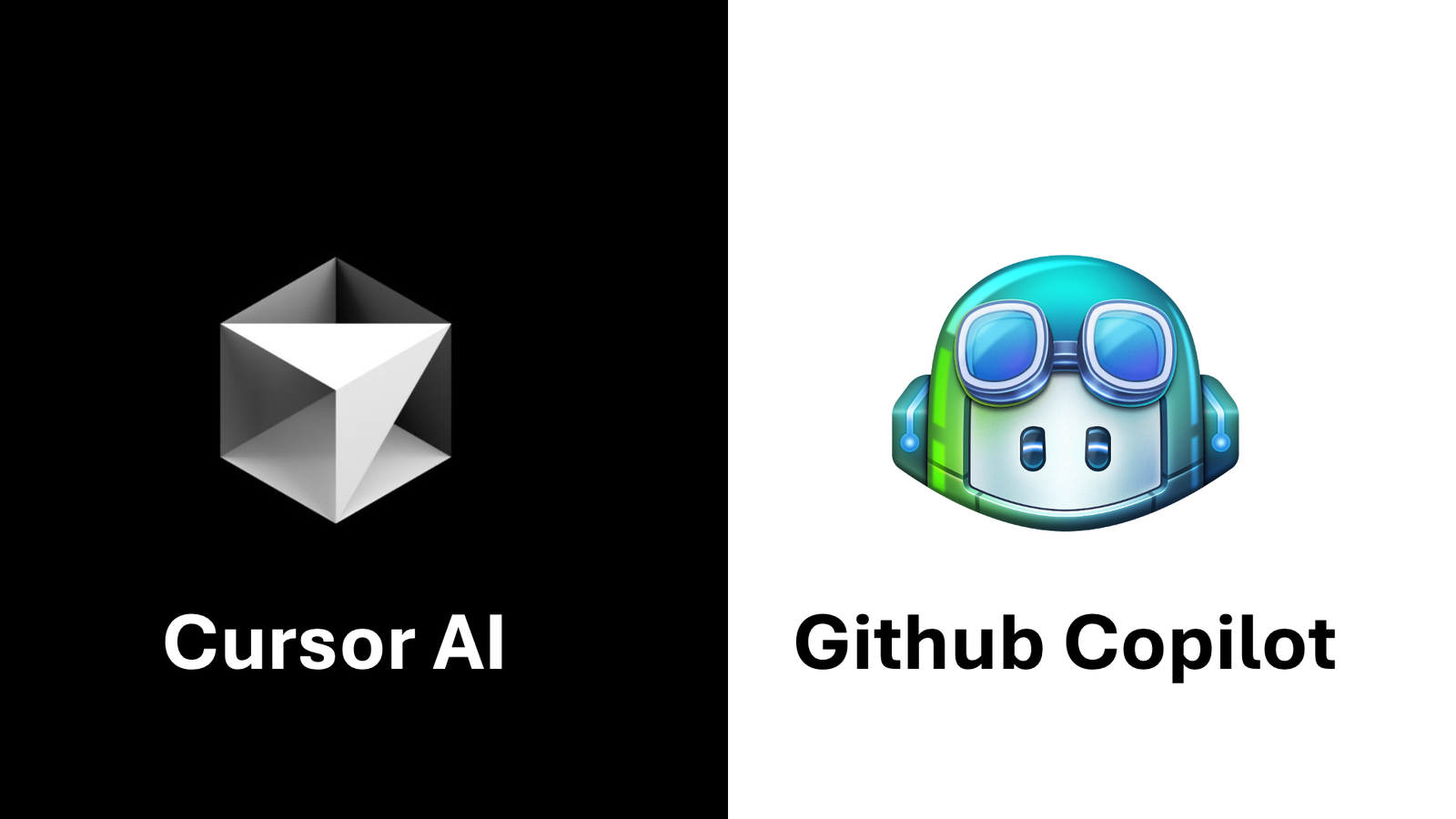
GitHub Copilot is an AI coding assistant that integrates into VS Code, JetBrains IDEs, Visual Studio, and Neovim. It suggests completions as you type, answers questions through a chat interface, and can generate entire functions or files from comments. It runs on OpenAI’s models and Microsoft’s infrastructure. Individual plan costs $10/month or $100/year.
Cursor is a fork of VS Code that has AI baked into the editor itself rather than added as an extension. The model selection is more flexible – you can point it at GPT-4o, Claude, or Gemini. The chat panel has direct context about your entire codebase. The “Composer” feature lets you describe a change across multiple files and Cursor makes all the edits at once. Individual plan costs $20/month.
Inline Completion Quality
For autocomplete – the suggestions that appear as ghost text as you type – Copilot is still slightly better at predicting the next line you want. Its training on GitHub’s code corpus means it often completes boilerplate correctly on the first suggestion. Cursor’s inline completions are good but occasionally suggest lines that make syntactic sense but are contextually wrong in ways Copilot would not make.
Winner: Copilot (narrow margin)
Multi-File Edits
This is where Cursor pulls ahead decisively. The Composer feature lets you describe a change – “add a rate limiting middleware to all API routes and update the tests” – and Cursor makes coordinated edits across multiple files simultaneously. Copilot’s chat can suggest changes to multiple files, but you apply them one at a time. For refactoring tasks that touch several files, Cursor saves significant manual effort.
Winner: Cursor
Codebase Understanding
Cursor indexes your entire codebase locally and uses that context in every response. When you ask “why is this function returning null sometimes?”, Cursor can look at the function, trace call paths through other files, and answer with relevant context. Copilot’s workspace feature does something similar in VS Code, but the implementation feels less polished – it occasionally misses relevant files that Cursor would find.
Winner: Cursor
IDE Integration
Copilot works inside your existing IDE. If you use JetBrains tools (IntelliJ, PyCharm, WebStorm), Copilot is the only serious option – Cursor is VS Code only. For JetBrains users, this is not a comparison; it is a requirement. For VS Code users, Cursor is a drop-in replacement that opens your existing projects and settings. The transition cost is low.
Winner: Copilot (for JetBrains users), Cursor (for VS Code users who are willing to switch)
Model Flexibility
Cursor lets you choose your model. Want Claude 3.7 Sonnet for complex reasoning? Switch to it. Want the speed of GPT-4o Mini for simple completions? Switch to that. Copilot is more locked to OpenAI’s models, though it has expanded options. For developers who have strong model preferences or want to use different models for different tasks, Cursor’s flexibility is a meaningful advantage.
Winner: Cursor
Price
Copilot costs $10/month. Cursor costs $20/month. The $10 difference is real but modest for professional developers. GitHub offers Copilot free to verified students and open-source maintainers. If you qualify for either, that shifts the calculus significantly.
Winner: Copilot (on price alone)
Which Should You Use?
Use Copilot if: you work in JetBrains IDEs, you are a student or open-source maintainer who qualifies for free access, or you primarily need autocomplete and find multi-file editing rare in your workflow.
Use Cursor if: you work in VS Code, you regularly do refactoring that touches multiple files, you want flexibility to choose your AI model, or you want the most capable AI coding tool available regardless of price.
For the broader AI tools landscape, read our ChatGPT vs Gemini comparison and our roundup of the best AI writing tools to build out a complete AI workflow.
Final Verdict
Cursor is the better tool for most VS Code developers. The multi-file editing, codebase context, and model flexibility outweigh the $10/month price premium. Copilot remains the right choice for JetBrains users and anyone who qualifies for free access. The gap between them has narrowed – Copilot improves with every release – but as of 2026, Cursor’s Composer feature alone justifies the switch for developers who refactor regularly.