The iPhone vs Android debate has been running for sixteen years and the teams are largely settled. But the hardware and software landscape in 2026 is different enough from five years ago that the honest answer to “which should I buy” has genuinely shifted on several dimensions. Apple has closed some gaps. Android has closed others. A few differences that seemed permanent have evaporated. Last updated: May 2026.
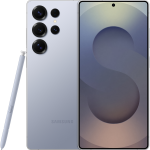
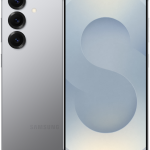
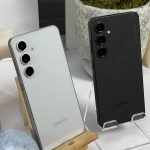
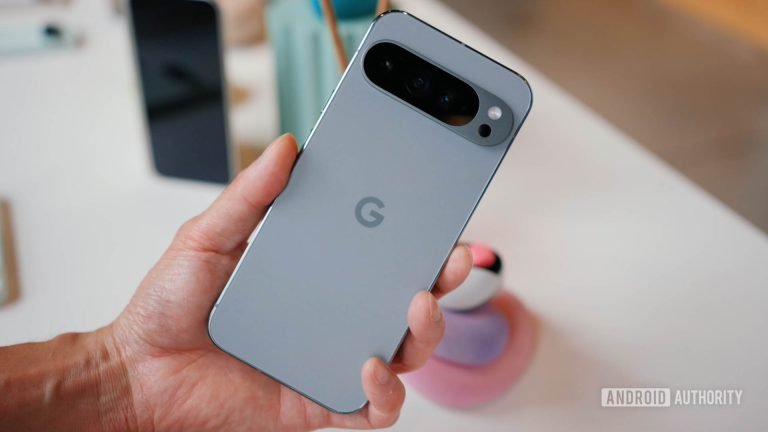
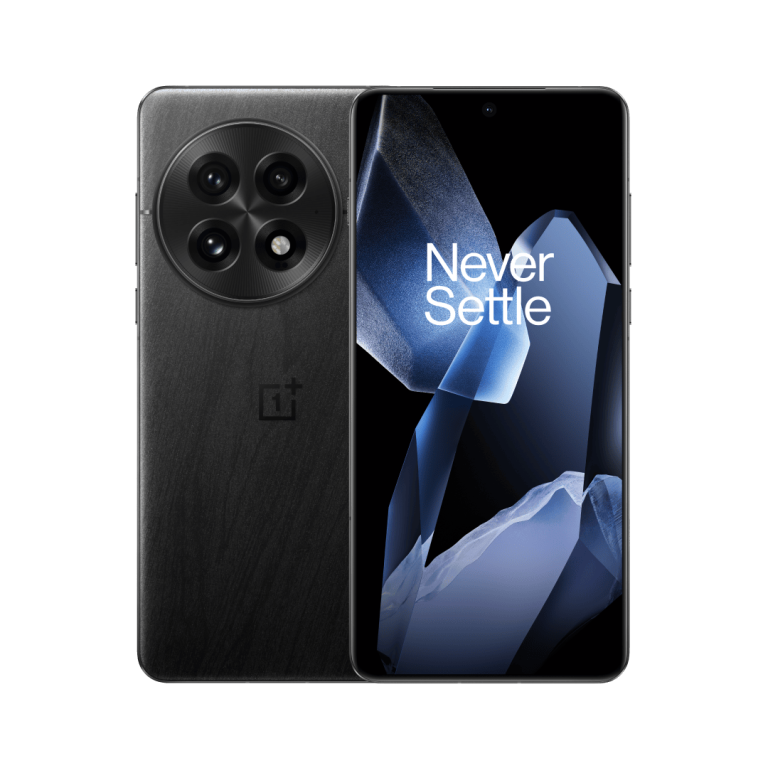
This comparison uses the iPhone 16 Pro as the iOS reference point and the Samsung Galaxy S25 Ultra as the primary Android reference, with notes on where Pixel and OnePlus differ from Samsung. Both are $999 to $1,299 flagship phones. The mid-range comparison uses the iPhone 16 ($799) against the Galaxy S25 ($799) and Pixel 9 ($799).
The Quick Answer Table
Category
iPhone 16 Pro
Galaxy S25 Ultra
Software updates
~6 years
7 years (Samsung)
AI features
Apple Intelligence (on-device)
Galaxy AI + Gemini
Main camera
Excellent
Excellent (200MP)
Video
Better for Pro workflows
Strong, more versatile
Battery life
10 to 11 hours mixed
12 to 13 hours mixed
Charging speed
27W wired
45W wired
Customisation
Limited
Extensive
Ecosystem
Mac, iPad, Apple Watch
Galaxy Tab, Galaxy Watch
App quality
Apps optimised for iOS first
Closing the gap
Starting price
$999
$1,299
Software Updates: Android Finally Matched iPhone
For years, Android’s weakness was update longevity. Samsung now commits to 7 years of OS and security updates. Google Pixel commits to 7 years. OnePlus commits to 4 major updates. Apple’s iPhone 16 will receive updates through approximately 2030 to 2031 – roughly 6 years. For the first time, Samsung and Google are committing to a longer update window than Apple. This is a meaningful change for anyone buying a phone and planning to keep it for more than four years.
AI Features: Different Approaches, Neither Dominant
Apple Intelligence on iPhone processes everything on-device. Your data does not leave the phone for Writing Tools, notification summaries, or most Siri requests. The trade-off is capability – on-device models are smaller than cloud-hosted ones. Google’s Gemini integration on Pixel and Samsung’s Galaxy AI lean on cloud processing for their most capable features, which is more powerful but means data leaves the device.
In practical daily use after six months: Apple’s Writing Tools rewrite function is more consistently useful than Samsung’s equivalent. Google’s photo AI (Magic Editor on Pixel 9) produces more convincing object removal than Apple’s Clean Up. Neither platform’s AI is at a level where it defines the buying decision – both are useful additions rather than must-haves.
Camera: The Gap Has Closed
The iPhone 16 Pro and Samsung Galaxy S25 Ultra both produce excellent photos. In the same scene, a photo expert can distinguish between them; a regular user cannot. Where they differ: the S25 Ultra’s 200MP main sensor and 10x periscope telephoto produce sharper extreme zoom shots. The iPhone 16 Pro’s 4K 120fps video and Log encoding are better for professional video work. The Pixel 9 Pro’s computational photography AI produces the best AI-enhanced and AI-reconstructed photos of any phone available in 2026.
The iPhone’s video advantage is real and specific: professional videographers using Log colour grading prefer the iPhone’s colour science. For everyone else shooting casual video, the difference is not visible on a phone or laptop screen.
Battery: Android Has a Clear Edge
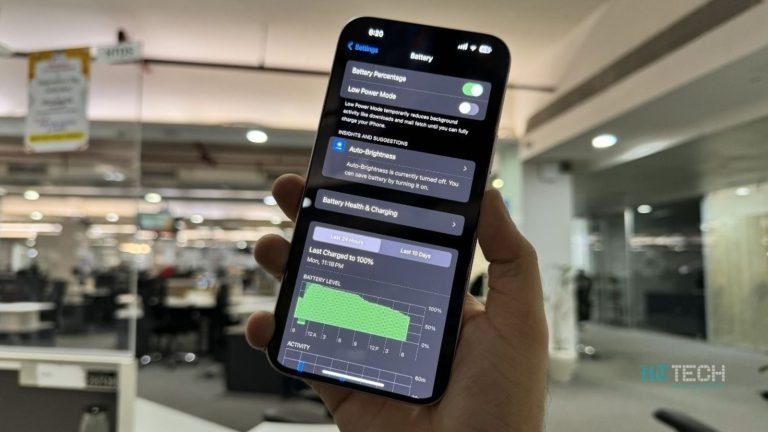
The Samsung Galaxy S25 Ultra delivers 12 to 13 hours of mixed screen-on time versus the iPhone 16 Pro’s 10 to 11 hours. Android phones in the $400 to $800 range routinely hit 12 to 15 hours, and charge at 45W to 65W (getting from 20% to 80% in 20 to 30 minutes). The iPhone 16 Pro Max gets to 12 to 14 hours but charges at 27W. Android’s battery and charging speed advantage over iPhone is one of the genuine practical differences that affects daily use rather than being visible only in benchmarks.
Ecosystem: Depends Entirely on What You Already Own
If you own a Mac, an iPad, or an Apple Watch: iPhone. AirDrop, Handoff, Universal Clipboard, iPhone Mirroring on Mac, and the Apple Watch’s health tracking integration are all tighter in the Apple ecosystem than any Android equivalent. If you own a Windows PC and a non-Apple smartwatch: the ecosystem advantage shrinks significantly. Android’s tighter Google integration (Docs, Drive, Gmail, Maps) benefits users who live in Google’s products.
Customisation: Android Is Still Ahead
Android’s home screen, default app handling, widget system, and file management are more flexible than iOS. You can replace the default browser, email app, messaging app, and assistant on Android at the OS level. iOS 18 improved default app handling, but Android still allows deeper system customisation. If you want to change how your phone looks and behaves beyond what the settings menu exposes, Android is the right choice.
App Quality: Still an iPhone Advantage
The “apps come to iPhone first” pattern has narrowed but not disappeared. A new app or major update typically launches on iOS before Android. More importantly, apps on iOS tend to be more polished at launch – developers historically prioritise iOS QA over Android QA. This matters most for creative and productivity apps; for social media and common utilities, the apps are functionally identical.
Who Should Buy What
Buy iPhone if: You own a Mac or iPad. You care about long-term app quality. You want the best smartphone video production. You prefer privacy-first AI. You have MagSafe accessories. You use AirPods.
Buy Android if: You want a longer guaranteed update window. You care about charging speed. You need an S Pen (Samsung Galaxy S25 Ultra). You want the best extreme zoom photography (Galaxy S25 Ultra periscope). You want more home screen and system customisation. You use Google Workspace deeply and want tighter integration.
Frequently Asked Questions
Which is more secure, iPhone or Android? Both platforms have strong security models in 2026. iOS’s App Store review process catches a higher proportion of malicious apps before they reach users. Android’s open sideloading capability introduces more surface area for malware if you install apps outside the Play Store. For most users on both platforms, security is not a meaningful differentiator – the threats are largely social engineering rather than OS-level vulnerabilities.
Can I switch from iPhone to Android without losing data? Yes. Google’s Switch to Android app handles contacts, photos, calendar, and messages. iCloud content (iCloud Drive, iCloud Photos) can be downloaded and transferred. The friction is in app-specific data – WhatsApp, banking apps, and games with local save files require individual transfer steps.
Is the iPhone 16 Pro worth $300 more than the Samsung Galaxy S25? The Galaxy S25 at $799 and the iPhone 16 Pro at $999 are not the same phone. The S25 is the standard Galaxy model; the comparable iPhone would be the iPhone 16 at $799. At equal price points, the choice comes down to ecosystem and preference rather than a clear winner on hardware.
The iPhone 13 Pro introduced ProMotion to the standard Pro size and macro photography to the iPhone lineup. At $350 to $450 used in 2026, it holds up surprisingly well.
Screen recording is built into every major operating system – no third-party software needed. This guide covers the built-in tools on Windows, Mac, iPhone, and Android, plus when it is worth using dedicated software instead.
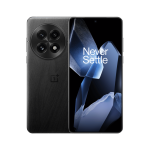
The OnePlus 13 pairs a Snapdragon 8 Elite chip with 100W wired charging and a Hasselblad-tuned camera at $899. The most overlooked flagship Android phone in 2026.
The iPhone 14 Pro introduced Dynamic Island, the 48MP camera, and Always-On Display. In 2026 at refurbished prices around $599, it is still a genuinely capable phone.