Top 10 Best Project Management Software of 2026
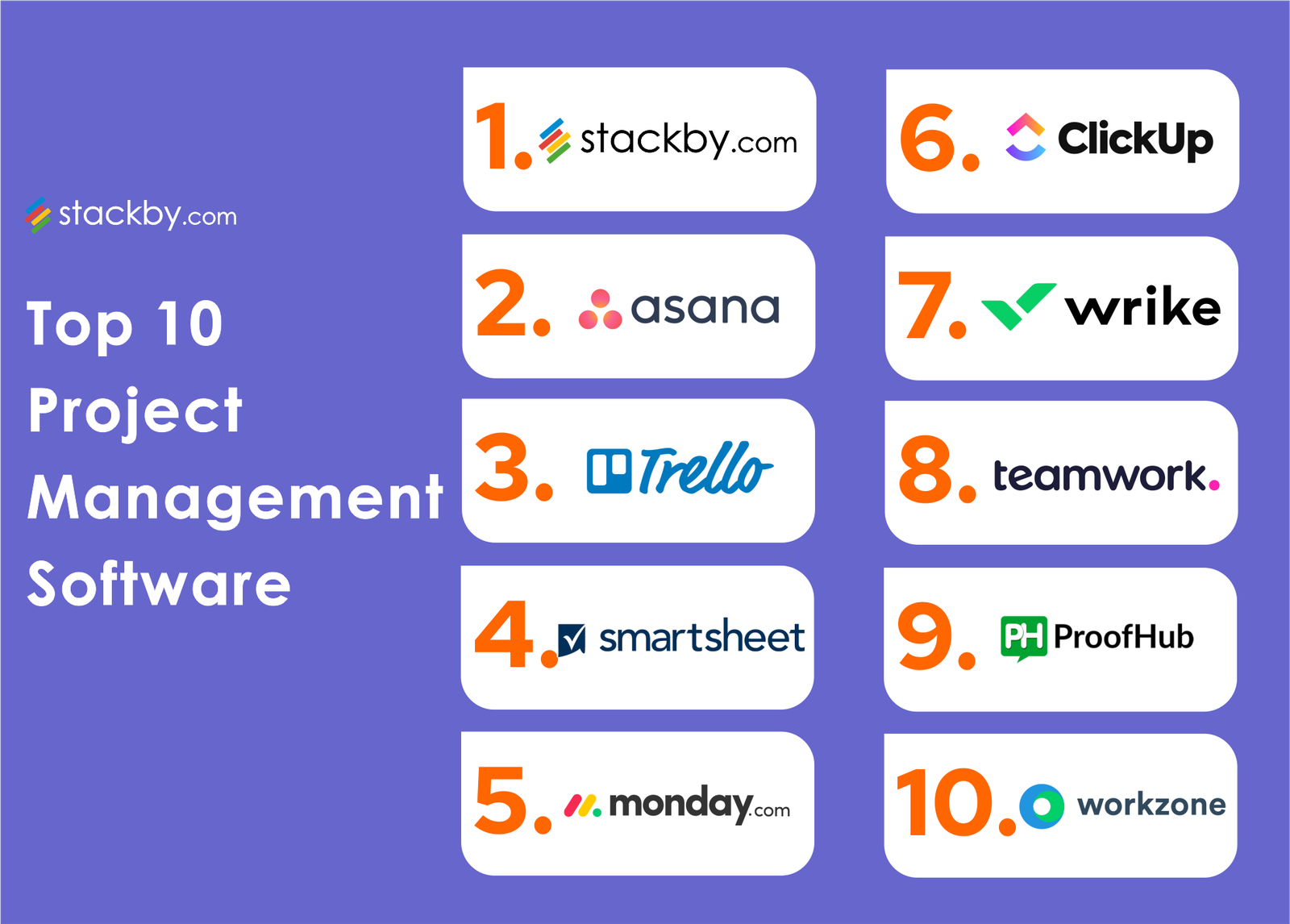
Choosing the right project management software depends on your team size, workflow style, and the type of work you do. This list covers tools for software development teams, creative agencies, enterprise organizations, and small businesses. Pricing, integrations, and ease of use were key factors in the selection.
1. Linear
Linear is a project management tool built specifically for software development teams. It costs $8 per member per month and includes issues, cycles, projects, and roadmaps as core features. The interface is keyboard-driven and designed for speed, with minimal click depth between views. GitHub and GitLab integrations automatically link commits and pull requests to issues.
Linear is ideal for engineering teams that want an opinionated tool matching modern software development workflows. The triage system separates incoming bugs from planned sprint work. Teams outside software development will find the rigid structure limiting, and there is no built-in document editing or wiki functionality.
2. Asana
Asana is a structured project management platform priced at $10.99 per member per month for the Starter plan. It includes tasks, subtasks, dependencies, milestones, timeline views, and portfolio dashboards. Workflow Builder allows teams to automate task assignments and status changes based on triggers. The reporting features provide visibility across multiple projects.
Asana works best for cross-functional teams managing marketing campaigns, product launches, or operations workflows. The hierarchy of projects, portfolios, and goals suits organizations that need accountability and visibility across departments. Smaller teams may find the structure excessive, and the learning curve is steeper than simpler tools.
3. Notion
Notion combines notes, databases, wikis, and project tracking in a flexible workspace for $8 per member per month on the Plus plan. Teams can build custom workflows using databases, templates, linked views, and relations between tables. Notion AI adds writing assistance, summarization, and Q&A capabilities across workspace content.
Notion is best for knowledge-centric teams in documentation, research, editorial, or consulting. The flexibility allows you to design exactly the system you need. However, that flexibility requires significant setup time, and software teams with structured sprint workflows often find Notion too unstructured without heavy customization.
4. ClickUp
ClickUp attempts to consolidate project management, documents, whiteboards, goals, and time tracking into one platform. The free tier is generous, and paid plans start at $7 per member per month. Features include multiple view types – list, board, Gantt, calendar, and timeline – plus automation, custom fields, and native integrations with over 1,000 apps.
ClickUp suits teams that want an all-in-one solution without paying for multiple tools. Small businesses and agencies benefit from the breadth of features at a competitive price. The downside is complexity – the interface can feel overwhelming, and performance sometimes suffers with large workspaces.
5. Monday.com
Monday.com is a visual work management platform starting at $9 per seat per month for the Basic plan. The colorful board interface makes status tracking immediately visible. It includes automations, integrations, dashboards, and workdocs for team collaboration. The platform supports project management, CRM, and software development use cases through specialized templates.
Monday.com works well for teams that prioritize visual organization and need a tool that non-technical team members can adopt quickly. Marketing teams, HR departments, and agencies commonly use it. Power users may find the per-seat pricing expensive as teams scale, and the mobile app lacks some desktop functionality.
6. Jira
Jira from Atlassian remains the industry standard for software development teams, especially in enterprise environments. The free tier supports up to 10 users, and Standard plans cost $7.75 per user per month. Features include Scrum and Kanban boards, sprints, backlogs, roadmaps, and extensive customization through custom fields and workflows.
Jira is ideal for large engineering organizations with complex release processes and compliance requirements. The depth of configuration and reporting suits teams that need detailed tracking. Smaller teams and non-technical users often find Jira overly complex, and setup requires dedicated administration time.
7. Trello
Trello uses a simple Kanban board interface that makes it easy to visualize work stages. The free version covers basic needs, and Standard plans cost $5 per user per month. Power-Ups add integrations and features like calendar views, automation through Butler, and connections to Slack, Google Drive, and other tools.
Trello is perfect for small teams, freelancers, and personal project tracking where simplicity matters most. The drag-and-drop interface requires almost no training. Trello lacks advanced features like dependencies, Gantt charts, and resource management, so teams with complex projects typically outgrow it.
8. Basecamp
Basecamp takes a different approach with flat pricing at $15 per user per month or $299 per month for unlimited users on the Pro Unlimited plan. It includes message boards, to-do lists, schedules, document storage, and group chat. The design intentionally avoids complex features like Gantt charts and time tracking.
Basecamp appeals to agencies, consultancies, and remote teams that value simplicity and want to reduce tool sprawl. The unlimited plan makes it cost-effective for larger teams. Teams that need detailed project tracking, dependencies, or sprint planning will find Basecamp too basic for their requirements.
9. Wrike
Wrike is an enterprise-grade project management platform with plans starting at $9.80 per user per month. Features include Gantt charts, workload views, time tracking, proofing tools, and custom request forms. The platform supports cross-tagging, which allows tasks to exist in multiple projects simultaneously without duplication.
Wrike serves professional services firms, marketing teams, and enterprise organizations managing complex, cross-functional work. The proofing and approval features benefit creative teams. The interface has a steeper learning curve than consumer-focused tools, and some advanced features require higher-tier plans.
10. Smartsheet
Smartsheet combines spreadsheet familiarity with project management capabilities, starting at $9 per user per month for the Pro plan. It includes Gantt views, automated workflows, dashboards, forms, and resource management. The grid-based interface feels comfortable for teams transitioning from Excel-based tracking.
Smartsheet works well for operations teams, construction project managers, and organizations with existing spreadsheet workflows. The automation and reporting features scale to enterprise needs. Teams that prefer modern, visually-driven interfaces may find the spreadsheet paradigm outdated compared to newer competitors.
Bottom Line: The best project management software matches your team’s working style – Linear and Jira for software development, Asana and Wrike for structured cross-functional work, Notion and ClickUp for flexible all-in-one needs. Start with a free trial of two or three options before committing to a paid plan.