Top 10 Best AI Tools for Students in 2026
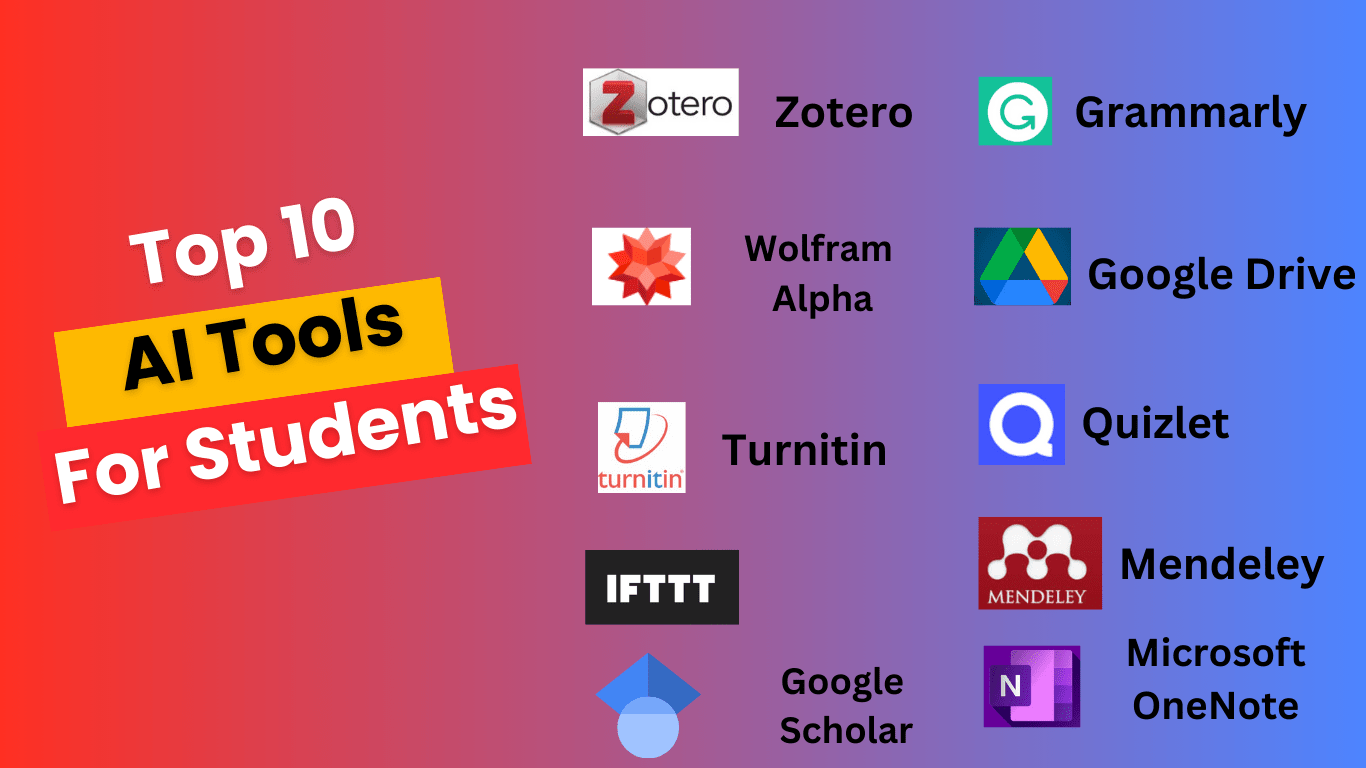
The best AI study tools help students understand material more deeply rather than simply providing shortcuts. This list prioritizes tools that encourage active learning, offer genuine educational value, and integrate smoothly into academic workflows. Pricing, accessibility, and effectiveness across different subjects guided these selections.
1. Khanmigo
Khanmigo is Khan Academy’s AI tutor designed specifically for educational settings. Unlike general-purpose chatbots, it uses a Socratic method – asking guiding questions rather than giving direct answers. The tool covers math, science, humanities, and test prep. Available free for teachers, while students pay approximately $44 per year or $9 per month for full access.
Ideal for students who want structured tutoring that builds problem-solving skills. Khanmigo works best for learners willing to engage with its question-based approach rather than those seeking quick answers. The main limitation is that it stays within Khan Academy’s curriculum scope.
2. Photomath
Photomath uses your smartphone camera to scan and solve math problems with detailed step-by-step explanations. It handles everything from basic arithmetic through calculus, trigonometry, and statistics. The app breaks down each solution phase so students can understand the methodology. The free version covers core features, while Photomath Plus costs $9.99 per month for advanced problem types and deeper explanations.
Best suited for visual learners who benefit from seeing problems broken into sequential steps. Students should read explanations rather than copy answers to get real value. Limited effectiveness for word problems requiring contextual interpretation.
3. Otter.ai
Otter.ai provides real-time lecture transcription with speaker identification and automatic summaries. The AI generates searchable, timestamped transcripts that sync with audio recordings. Students can highlight key passages and add comments directly in transcripts. The free tier includes 600 minutes monthly, while Pro plans start at $16.99 per month for 1200 minutes and advanced features.
Perfect for students juggling heavy course loads or those who process information better through reading than listening. Works exceptionally well for discussion-based classes and seminars. Accuracy decreases with heavy accents, technical jargon, or poor audio quality in large lecture halls.
4. Claude
Claude from Anthropic excels at explaining complex concepts at adjustable difficulty levels. Students can request explanations tailored to their current understanding, ask follow-up questions, and explore topics from multiple angles. The free tier offers substantial daily usage, while Claude Pro costs $20 per month for priority access and higher usage limits. Claude handles humanities, sciences, coding, and mathematical reasoning.
Ideal for students who learn through dialogue and need concepts rephrased multiple ways. Particularly strong for essay brainstorming, thesis development, and understanding dense academic texts. Not a replacement for primary sources or peer-reviewed research in academic writing.
5. Notion AI
Notion AI integrates artificial intelligence directly into Notion’s workspace platform. Students can generate summaries, create outlines from notes, translate text, and organize research materials. The AI assists with writing without leaving the note-taking environment. Notion offers a free personal plan with limited AI features, while the Plus plan with full AI access runs $10 per month for students.
Best for students who already use digital organization systems and want AI assistance embedded in their workflow. The combined note-taking and AI functionality reduces app-switching. Learning curve can be steep for students unfamiliar with Notion’s block-based structure.
6. Grammarly
Grammarly checks grammar, spelling, punctuation, and writing clarity in real time across browsers, documents, and apps. The premium version offers tone detection, vocabulary suggestions, and discipline-specific writing style checks. Free tier covers basic corrections, while Premium costs $12 per month billed annually. The tool integrates with Google Docs, Microsoft Word, and most text fields online.
Essential for non-native English speakers and students who struggle with mechanical writing errors. Helps writers focus on ideas rather than proofreading. Over-reliance can prevent students from developing their own editing skills and recognizing errors independently.
7. Quizlet with Q-Chat
Quizlet combines traditional flashcard studying with Q-Chat, an AI tutor that quizzes students conversationally. The platform hosts millions of user-created study sets across every subject. Q-Chat adapts questions based on student responses and explains wrong answers. Free access includes basic flashcards, while Quizlet Plus at $7.99 per month adds Q-Chat and advanced learning modes.
Great for memorization-heavy subjects like anatomy, foreign languages, and history dates. The AI tutor adds active recall practice beyond passive flashcard flipping. Less effective for subjects requiring deep conceptual understanding rather than fact retention.
8. Elicit
Elicit is an AI research assistant that searches academic papers and synthesizes findings. Students enter research questions and receive relevant paper summaries, key findings, and methodology comparisons. The tool pulls from Semantic Scholar’s database of over 200 million papers. Free tier allows 5000 paper analyses monthly, while Plus plans start at $10 per month for additional features.
Invaluable for undergraduate research projects, literature reviews, and thesis preparation. Dramatically reduces time spent finding and screening academic sources. Students must still read full papers for citations – summaries alone are insufficient for serious academic work.
9. Speechify
Speechify converts text to natural-sounding speech, allowing students to listen to textbooks, articles, and PDFs. The AI voices sound considerably more natural than traditional text-to-speech. Reading speeds adjust up to 4.5x normal pace. The app works across devices with cloud syncing. Free version offers limited features, while Premium costs $139 annually or $11.58 monthly with student discounts available.
Excellent for auditory learners, students with dyslexia, and anyone who wants to absorb reading material during commutes or exercise. Helps tackle dense assigned readings that would otherwise go unread. Retention may be lower than active reading for some learning styles.
10. Wolfram Alpha
Wolfram Alpha is a computational knowledge engine that solves complex mathematical problems, generates data visualizations, and provides factual answers across science, engineering, and mathematics. Unlike search engines, it computes answers directly from curated data. The basic version is free, while Pro costs $7.25 per month for students and includes step-by-step solutions and extended computation time.
Essential for STEM students working through problem sets in calculus, physics, chemistry, and statistics. The step-by-step breakdowns teach methodology rather than just providing answers. Interface can feel dated compared to newer AI tools, and natural language processing is less flexible than chatbot alternatives.
Bottom Line: These ten AI tools address different aspects of student life – from lecture capture and research to concept explanation and problem-solving. The key to using any AI study tool effectively is engaging with the explanations and processes rather than simply copying outputs.