“The cloud” is one of the most overused terms in consumer tech and enterprise software. It appears on everything from iPhone backup prompts to startup pitch decks. At its core, it is a straightforward concept that gets mystified by marketing language. This explainer strips it back to what it actually is, how data gets there, and why “always-on cloud services” sometimes go offline.
What “the Cloud” Actually Is
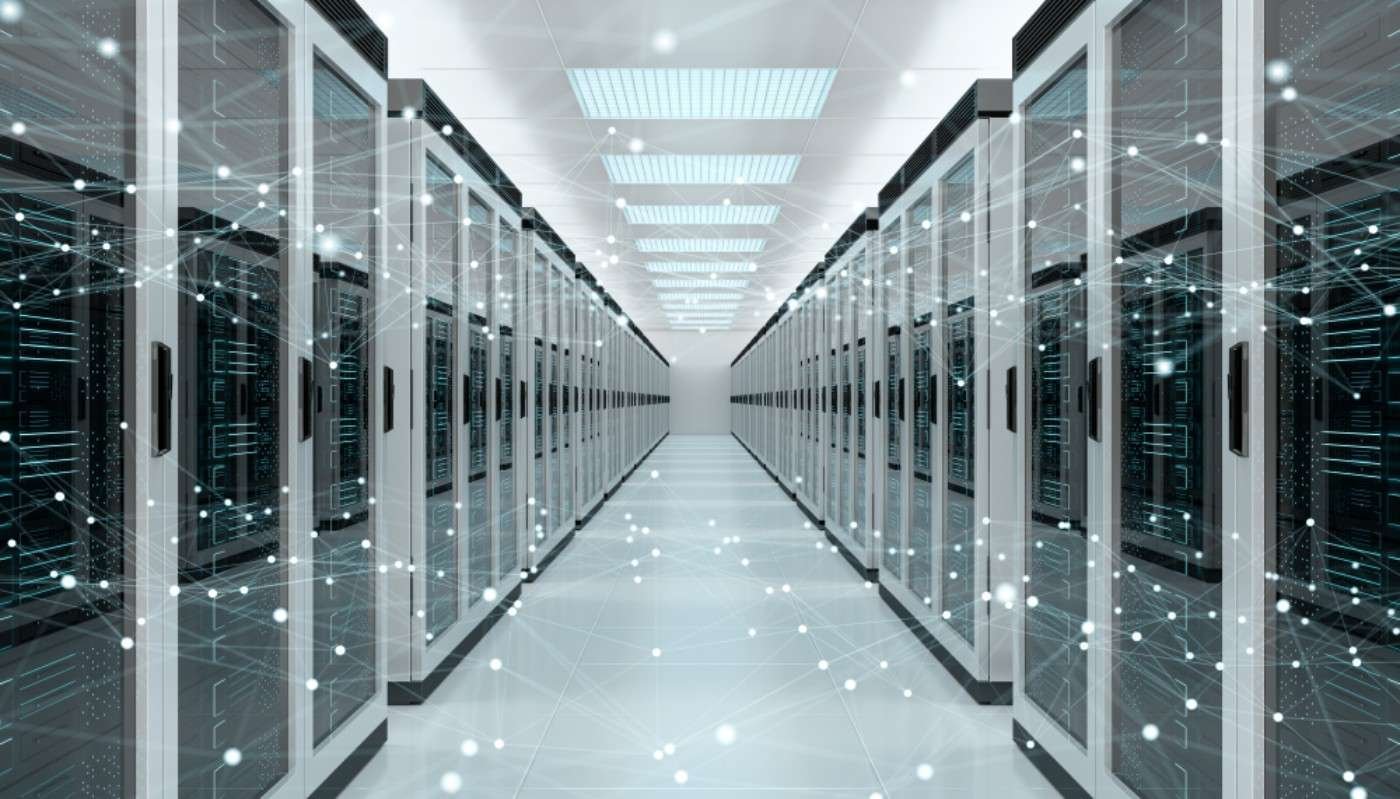
The cloud is someone else’s computers. More precisely, it is a large-scale infrastructure of servers – physical computers housed in data centers – that you access over the internet rather than owning yourself. When your iPhone backs up to iCloud, your photos travel over the internet to Apple’s servers (in data centers in North Carolina, Oregon, Europe, and elsewhere) and are stored on Apple’s hardware. When you download them on a new iPhone, they travel back over the internet from Apple’s servers to your new device.
The “cloud” metaphor comes from how network diagrams have historically drawn the internet – as a vague cloud shape, because the internal routing complexity did not matter for the diagram’s purpose. What matters to the end user is that data goes in and comes out; what happens in between (the internet routing, the data center infrastructure) is abstracted away, like weather that happens in clouds you cannot see inside.
The Two Main Types: Cloud Storage vs Cloud Computing
Cloud Storage
Cloud storage simply stores files on remote servers and makes them accessible from any device with internet access. iCloud Drive, Google Drive, Dropbox, OneDrive, and Amazon Photos are all cloud storage services. Your files live on their servers, synchronized across your devices through client apps. The value proposition: your files are available everywhere, backed up automatically, and accessible even if your local device fails.
Cloud Computing
Cloud computing goes beyond storage – it runs applications and performs computations on remote servers. When you use Google Docs, your document is not just stored in the cloud – the word processor itself runs in the cloud (in a Google data center) and sends rendered output to your browser. Your laptop is functioning as a display terminal. When companies say they “moved to the cloud,” they typically mean they stopped running their own servers and instead run their software on infrastructure provided by Amazon Web Services (AWS), Microsoft Azure, or Google Cloud Platform.
AI services are a prominent example of cloud computing: when you use ChatGPT, Claude, or Midjourney, the AI model runs on massive GPU clusters in data centers, not on your phone or laptop. You send text in; the cloud processes it; results come back. Your device just handles the interface.
How Data Gets to the Cloud and Back
When you upload a file to Google Drive, the sequence is:
Your device breaks the file into packets – small chunks of data, typically 1,500 bytes each.
Your router sends the packets over your ISP’s network, routing them through the internet toward Google’s data center IP addresses.
At Google’s edge network (servers positioned close to users geographically), the packets arrive, are reassembled into the original file, encrypted, and written to storage disks.
Google stores multiple redundant copies across at least two geographically separate data centers to protect against a single-facility failure.
When you download the file on another device, the process reverses – Google retrieves it from storage, breaks it into packets, and sends them back through the internet to your device.
The speed of this process depends on your internet connection speed, network congestion between you and the data center, and the data center’s capacity. Large files (video, raw photos) take longer; small files (documents, spreadsheets) upload and download nearly instantly on a fast connection.
Why Cloud Services Go Down
Cloud services are not inherently more reliable than local software – they just shift the single point of failure from your laptop to a provider’s infrastructure. When a cloud service goes down, several things might have happened:
Software deployment failure: The most common cause. A new software version rolls out with a bug that crashes the service. AWS, Google, and Microsoft all have published post-mortems describing exactly this scenario for major outages.
Hardware failure at scale: A storage cluster, network switch, or power system fails. Large data centers have redundancy, but failures can cascade if the redundancy systems also fail.
Cascading dependencies: Modern cloud services depend on other cloud services. If AWS S3 (object storage) goes down, thousands of companies that use it as a back-end go down simultaneously – this happened in 2017 and took significant portions of the internet with it for several hours.
DDoS attacks: Distributed denial of service attacks flood a service with traffic, overwhelming its capacity to respond to legitimate requests.
Cloud vs Local: Understanding the Trade-offs
Factor
Cloud
Local
Accessibility
Any device, anywhere with internet
On your device only
Backup
Automatic (usually)
Manual or scheduled
Failure risk
Internet outage, service downtime
Device failure, theft, fire
Privacy
Provider can potentially access data
Only you control access
Speed
Limited by internet connection
Local disk speed (much faster)
Cost
Subscription (usually monthly)
One-time hardware cost
The best practice combines both: local storage for speed and offline access, cloud backup for protection against device failure. This is the “3-2-1 strategy” – your original files on your device, a local backup on an external drive, and a cloud backup offsite. For a step-by-step backup setup that implements this, see our complete backup guide.
Latency is the delay between an action and its result – whether that is your click registering in a game, your voice reaching someone on a call, or a webpage loading. This explainer covers network latency, input latency, and display latency, and why each type matters differently.
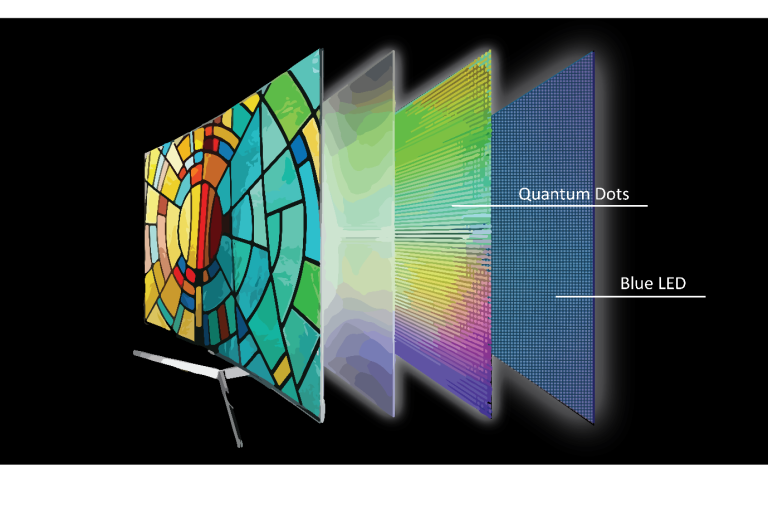
OLED appears in the spec sheets of premium phones, TVs, laptops, and monitors. This explainer covers how OLED actually works, why it produces better blacks, and where LCD still has advantages.
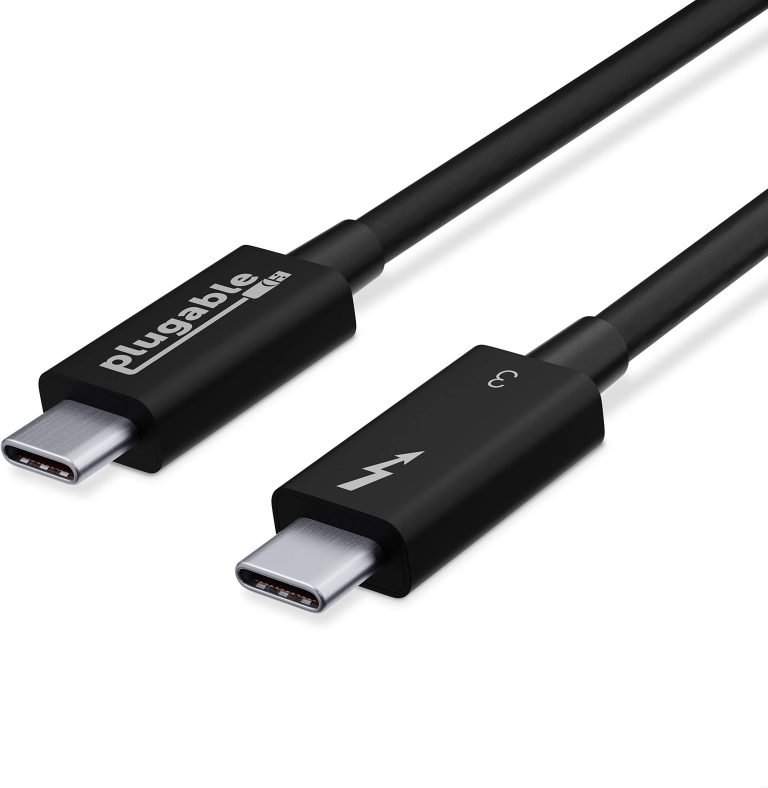
USB-C is a connector shape, not a standard – which is why some USB-C cables charge slowly and others carry video. This explainer covers USB 3.x, Thunderbolt 3, 4, and 5, and how to know what your ports actually support.
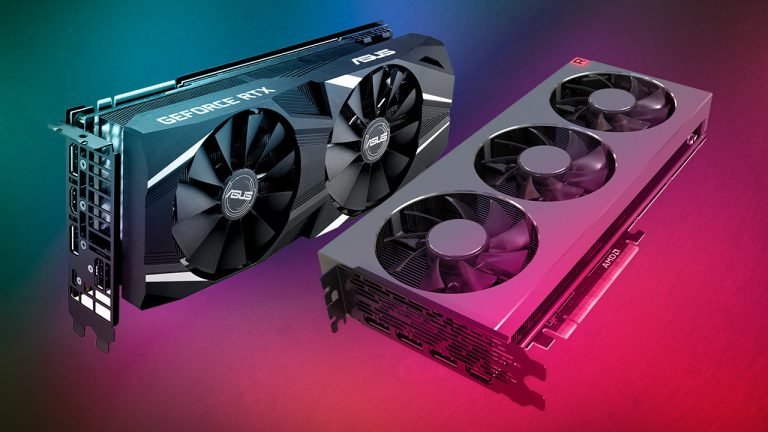
GPUs power gaming, AI, and video editing. This explainer covers how a graphics card actually works, why GPUs are so much better at parallel tasks than CPUs, and what VRAM does.
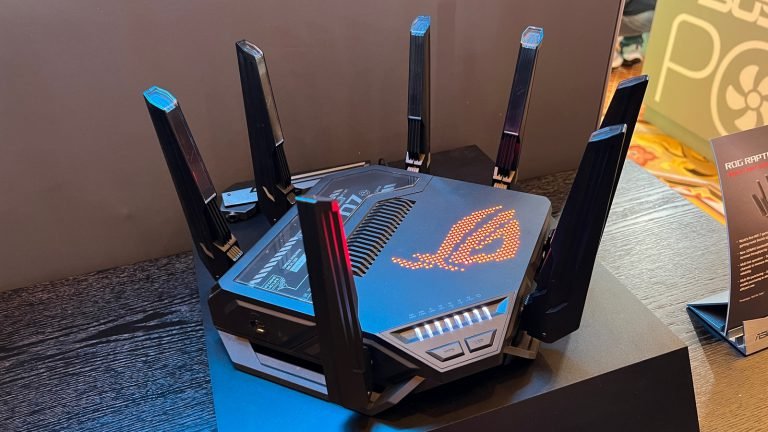
Wi-Fi 6, Wi-Fi 6E, and Wi-Fi 7 all promise faster wireless speeds, but the differences matter for what you actually get at home. This explainer breaks down what changed between each generation and who should care.
Encryption is mentioned in privacy policies, VPN marketing, and security news. This explainer covers what encryption actually does, how HTTPS protects your browser traffic, and what “end-to-end encryption” means for messaging apps.