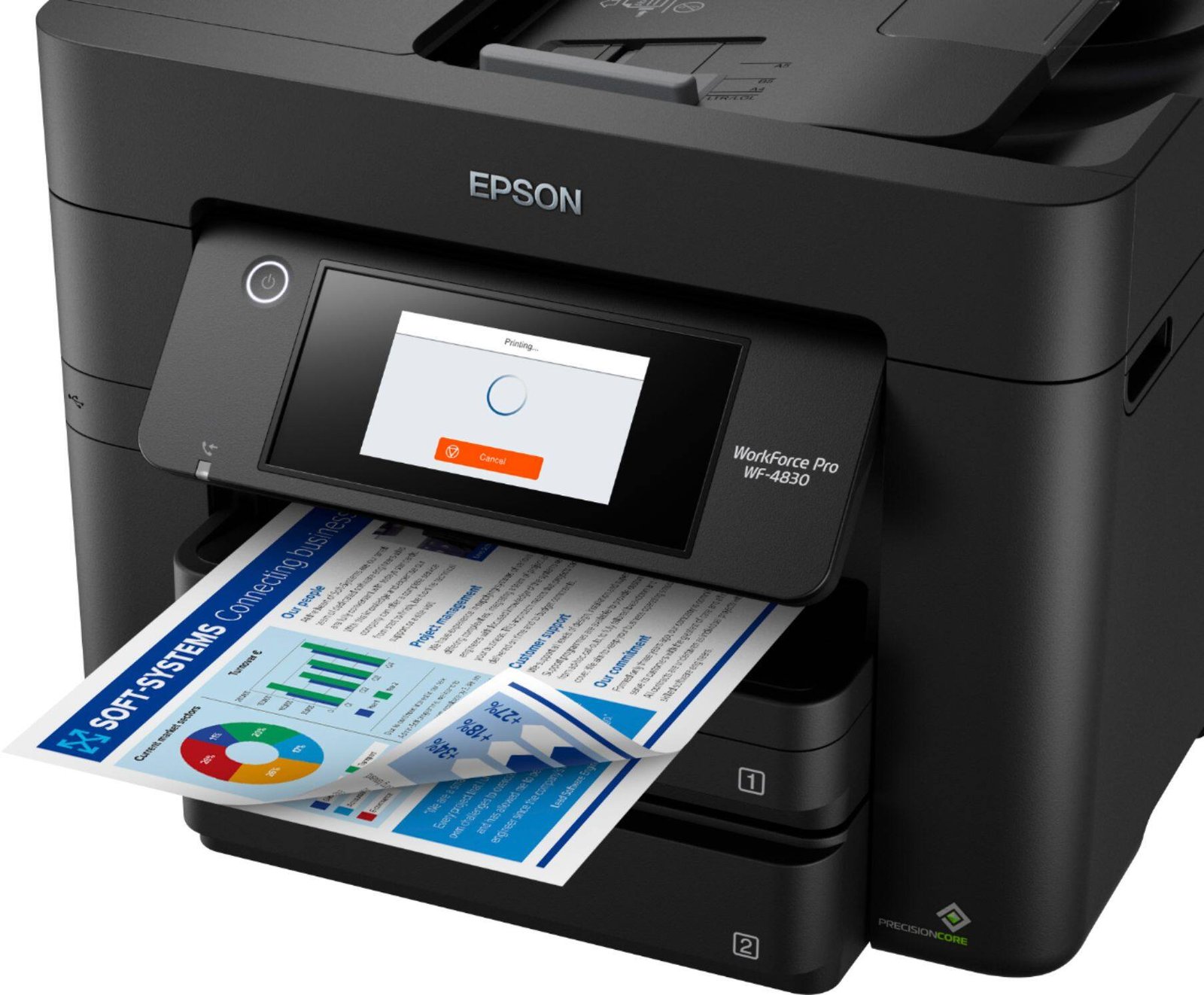
Epson WorkForce Pro WF-4830 Review: The Business Inkjet That Thinks Like a Laser
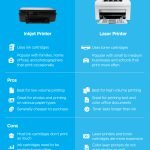
The debate between inkjet and laser for office printing comes down to priorities: inkjets deliver better color but cost more per page; lasers are fast and cheap per page but produce flat colors. The Epson WorkForce Pro WF-4830 challenges this framing with its PrecisionCore print head technology – an inkjet engine designed to match laser printer speeds and document quality while maintaining inkjet color advantages. After four weeks of office use, here is how it performs.
Design and Build
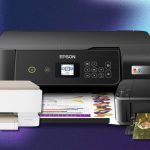
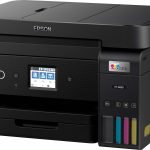
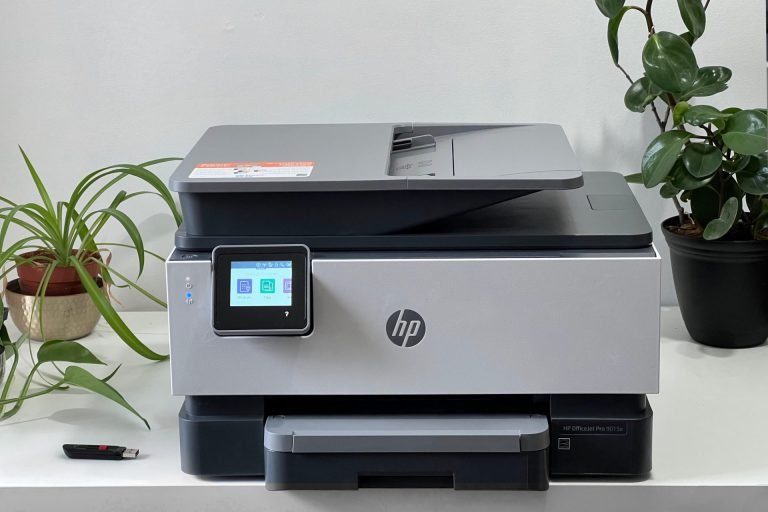
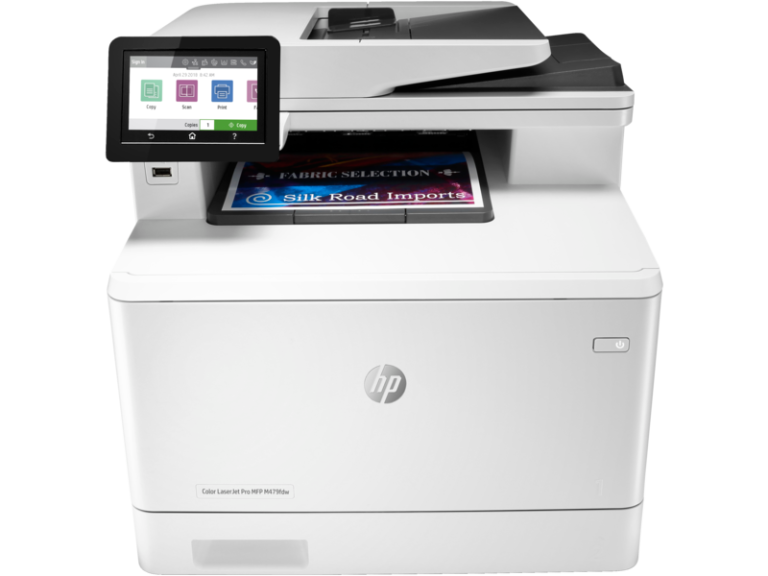
The WF-4830 is an all-in-one: prints, copies, scans, and faxes. At 43cm wide it is moderate-sized for a home office footprint. The 2.7-inch color touchscreen is responsive and straightforward. The 500-sheet paper capacity across two trays is generous – many printers at this price manage 250 sheets. An automatic document feeder handles 35-sheet originals for copying and scanning. Duplex printing (both sides automatically) is standard. Build quality is sturdy plastic without rattles or flexing panels.
Print Speed
Epson rates the WF-4830 at up to 25 ISO ppm for black and white, and up to 12 ISO ppm for color. Real-world measurements on standard office documents: 20 ppm black, 10 ppm color. First page out time from ready state: 5 seconds – faster than most laser printers in this category. For an inkjet, these speeds are genuinely impressive. In mixed office printing scenarios (a few black documents, occasional color pages), the WF-4830 keeps pace with laser alternatives.
Print Quality
Document quality at the default Fast setting is excellent – sharp text, clean edges, accurate color reproduction for office applications. Switching to the Normal setting for color presentations and charts shows the inkjet advantage over laser: smoother color transitions, more accurate color matching, and better rendering of photographs embedded in documents. The WF-4830 will not replace a photo printer for gallery output, but for business documents with color photography, it outperforms any color laser in this price class.
Ink Costs
The WF-4830 uses Epson 822XL high-capacity ink cartridges: black at $30 covering approximately 1,100 pages, color at $25 each covering approximately 700 pages. Per-page cost calculation: black approximately $0.027, color approximately $0.11 per page. These costs are comparable to color laser printing and higher than the EcoTank system. Epson’s Ink Subscription service through HP Instant Ink-style programs is not available for this model – ink costs are fixed at cartridge prices.
Who Should Choose Inkjet Over Laser
The WF-4830 makes sense over a color laser printer when: document quality for color content matters (presentations, reports with photography, client-facing materials), you print at lower volumes where laser warm-up times would be noticeable, and the upfront cost of laser is a significant consideration. At $279 versus $399-$499 for comparable color laser, the WF-4830 offers laser-competitive speeds with inkjet quality advantages at a lower hardware cost.
For comparison with the EcoTank system on ink costs, read our Epson EcoTank ET-4850 review. For a laser alternative in the same office printer category, see our Brother MFC-L3770CDW review.
Verdict
The Epson WorkForce Pro WF-4830 delivers on its premise: an inkjet that matches laser speeds for business documents while maintaining inkjet color quality advantages. At $279 it is competitively priced against both inkjet and entry-level laser alternatives. Ink costs are real – for high-volume offices, EcoTank or laser makes more financial sense long-term. For home offices printing 100-400 pages per month with mixed document and color needs, the WF-4830 is a well-balanced choice.