HP LaserJet Pro MFP M479fdw Review: The Office Laser Printer That Handles Everything
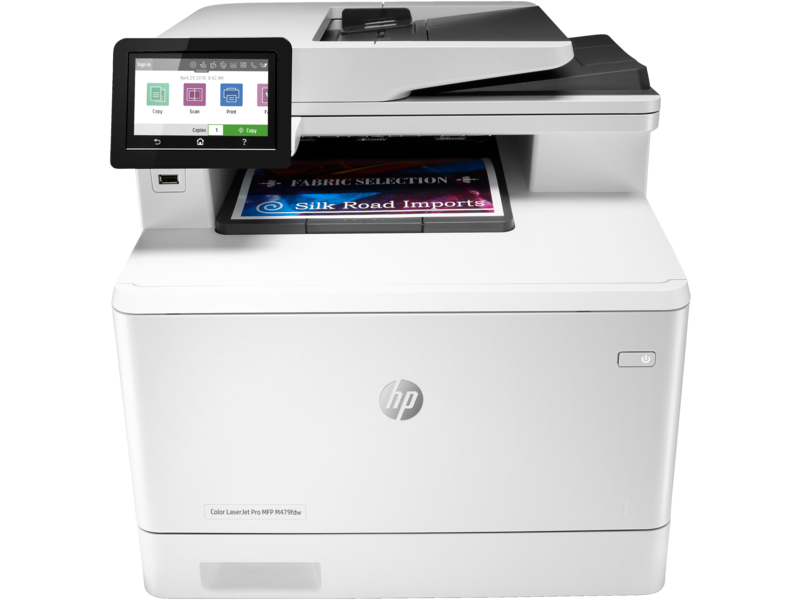
Offices have two reliable printing choices: fast, cheap laser printers for black-and-white documents, or slower inkjets for color work. The HP LaserJet Pro MFP M479fdw attempts to handle both with a color laser engine, all-in-one functionality (print, copy, scan, fax), and the speed and reliability businesses expect from laser technology. After testing it in a busy office environment for three weeks, here is what we found.
Design and Build
The M479fdw is a large machine – 44cm wide and 49cm deep – built for desk or table placement in a shared office environment, not a home desk corner. The 3.5-inch color touchscreen handles all function access. Paper capacity is 300 sheets across two trays, with optional 550-sheet tray available for high-volume environments. The auto-document feeder holds 50 sheets for duplex scan and copy operations. Build quality is business-grade plastic that conveys durability rather than elegance – this is a tool, not a showpiece.
Print Speed and First-Page Performance
HP rates the M479fdw at 28 pages per minute for black and 27 pages per minute for color. Real-world measurements on office documents: 24 ppm black, 22 ppm color – close to spec and genuinely fast for a color laser in this price class. First-page out time from sleep: approximately 15 seconds. From standby: 6 seconds. For offices where people frequently print single documents and return to the printer immediately, the warm-up time matters. The M479fdw handles this better than most laser competitors under $600.
Print Quality
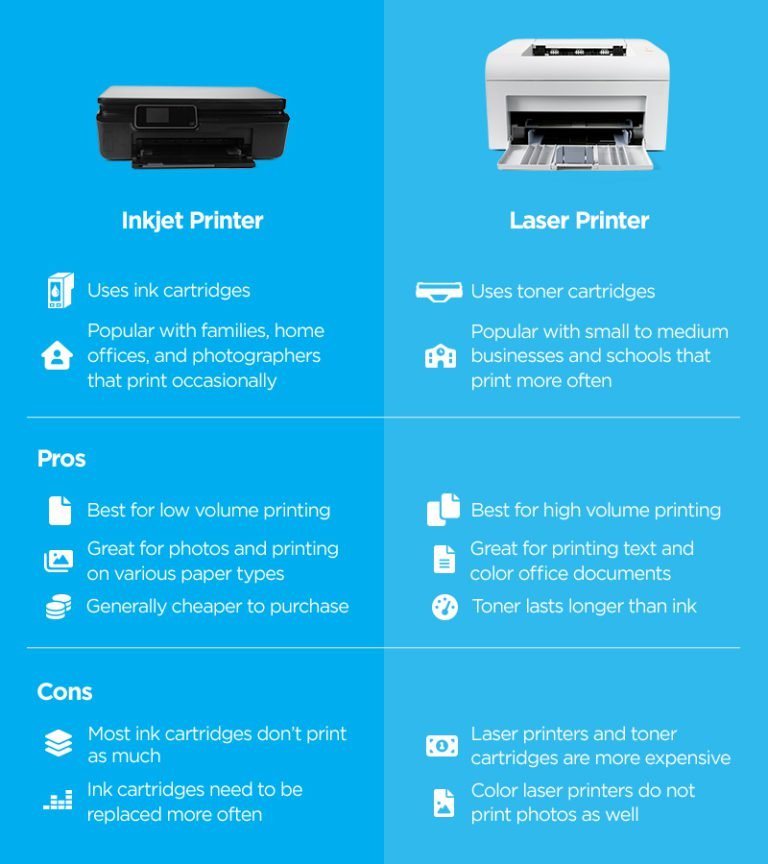
Color laser printing is categorically different from inkjet. Text and graphics with solid colors print precisely and consistently – presentations, charts, contracts, letterhead all look professional. The color gamut is narrower than inkjet; photographs and gradient-heavy images show banding and less natural color transition. For office documents where precision and professional appearance matter more than photographic fidelity, color laser quality is excellent. For organizations that print marketing materials with product photography, laser is the wrong technology regardless of price.
Toner Costs
The M479fdw uses HP 414A and 414X toner cartridges. Standard-yield black (414A) yields 2,400 pages at $60. High-yield black (414X) yields 7,500 pages at $110 – works out to $0.015 per page. Color cartridges at standard yield: 2,100 pages at $60 each color. Color printing cost per page on office documents with typical coverage: approximately $0.06-$0.08. This is significantly cheaper per page than inkjet color printing at volume, and the toner does not dry out if the printer sits unused for weeks.
Connectivity
Wi-Fi, Ethernet, USB, and Wi-Fi Direct cover all standard connection scenarios. HP Smart app handles mobile printing and scan-to-phone from iOS and Android. AirPrint and Mopria are supported. The 3.5-inch touchscreen displays network connection status, toner levels, and function menus. HP JetAdmin software handles fleet management for organizations deploying multiple units. Enterprise network integration (Active Directory, LDAP) is supported at the firmware level.
Who Should Buy It
The M479fdw at $499 is right for: small offices printing 500-3,000 pages per month across a shared printer, businesses that need color printing for presentations and documents but not photographic output, and environments where laser toner cost predictability matters more than maximum color range.
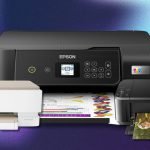
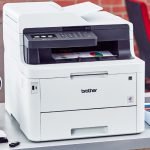
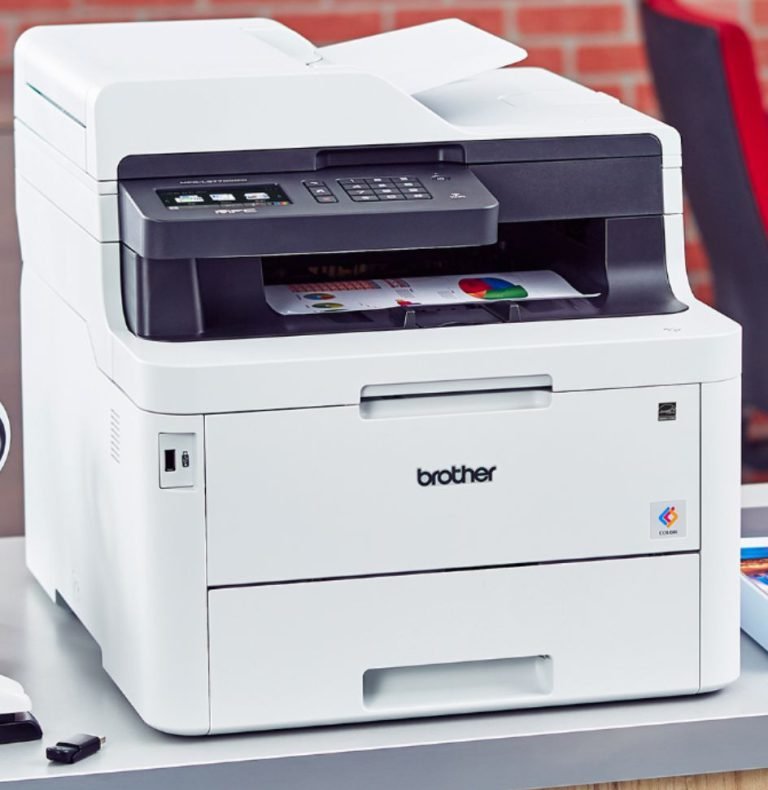
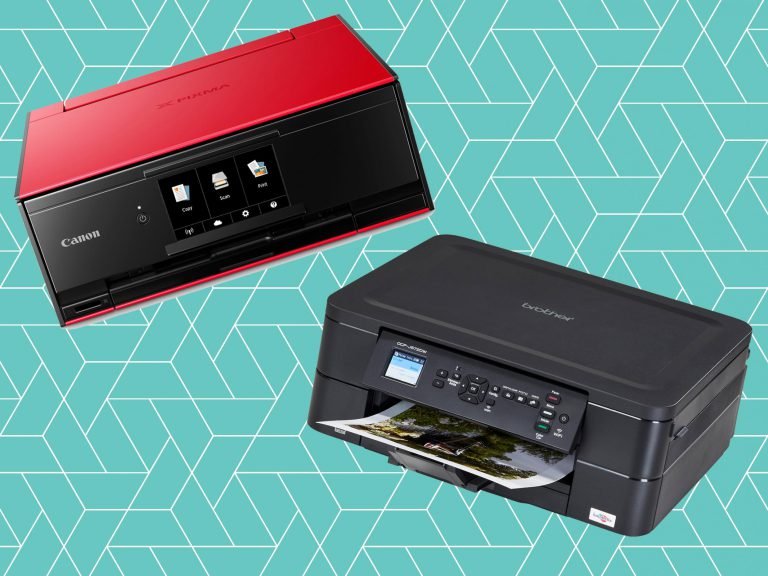
For comparison with inkjet alternatives that offer better photo quality, read our Epson EcoTank ET-4850 review. For the highest-quality color document printing, our Brother color laser review covers a direct competitor.
Verdict
The HP LaserJet Pro MFP M479fdw delivers reliable, fast, and cost-effective color printing for office environments. Print quality for documents is professional. Speed meets busy office demands. Toner costs are reasonable at volume. The large footprint and mediocre photo printing are the only meaningful limitations. For shared office printing where reliability and speed matter most, this machine earns a strong recommendation.