PC Cooling Guide 2026: Air vs AIO Liquid Cooling – Which Should You Choose?
New PC builders inevitably face the air cooler versus AIO liquid cooler decision. Both have enthusiast advocates who will argue passionately for their choice. Both work well when chosen appropriately for the thermal requirements of the CPU. The right answer depends on your CPU’s TDP, your case airflow, your noise tolerance, and your budget. Here is the framework for making the decision.
How Air Coolers Work
Air coolers use a metal heatsink with copper heatpipes to transfer heat from the CPU IHS (integrated heat spreader) to fins, where one or more fans blow air through those fins and out through the case. The thermal path is: CPU → heatpipes → heatsink fins → fan → case exhaust. No moving parts except the fan. No liquid. No risk of coolant leaks. Maintenance: replace the fan if it fails (usually after 5-8 years); the heatsink lasts indefinitely.
How AIO Liquid Coolers Work
AIO (All-In-One) liquid coolers use a pump, tubes, coolant, and a radiator. A pump moves coolant from the water block (attached to the CPU) through flexible tubes to a radiator mounted in the case, where fans blow air through the radiator fins. The thermal path is: CPU → water block → coolant → radiator → fans → case exhaust. Moving parts: pump (drives the coolant) and fans. The pump runs constantly and has a finite lifespan; manufacturer warranties cover 3-5 years. Pump failure means the cooler stops working silently – the CPU will thermal throttle or shut down.
Performance Comparison
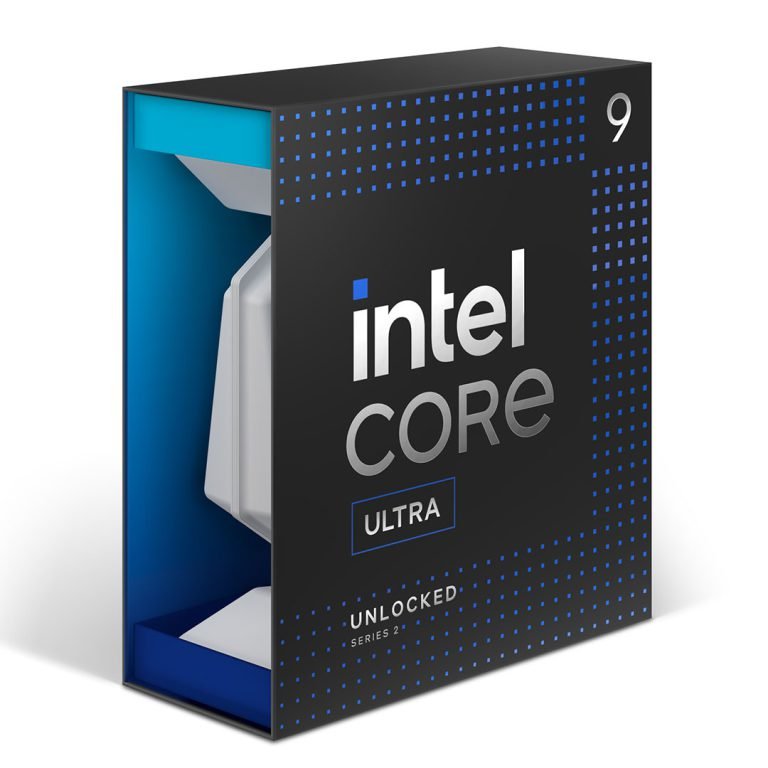
For most CPUs up to 170-180W TDP, a quality dual-tower air cooler (Noctua NH-D15, be quiet! Dark Rock Pro 5) performs within 1-3°C of a 280mm AIO under sustained load. The performance advantage of AIO over premium air is smaller than marketing suggests for most CPUs. Where AIOs clearly win: very high TDP CPUs (Intel Core Ultra 9 285K at 250W PBP under sustained load), situations requiring a tower cooler that would interfere with tall RAM heatspreaders, and builds where the radiator placement improves overall case airflow.
Noise
A quality air cooler with large, slow-spinning fans is often quieter than an AIO in practice. The Noctua NH-D15 at full load runs around 35dB. A 240mm AIO at full load: 38-42dB (radiator fans plus pump noise). The pump in an AIO adds a constant low hum that some users find distracting in otherwise quiet builds. For maximum acoustic silence, a large air cooler with premium fans typically wins. For noise specifically during gaming loads where case fans are running anyway, the difference is inaudible.
Cost
Quality air cooler (Noctua NH-U12S Redux): $49. Premium air cooler (Noctua NH-D15): $99. 240mm AIO (Corsair H100i, be quiet! Pure Loop 2): $79-$119. 360mm AIO (NZXT Kraken 360, Corsair H150i): $129-$179. For equivalent thermal performance, quality air coolers are often less expensive than AIOs. The price premium for AIOs is a combination of aesthetics (RGB pump head), the perception of better performance, and ease of installation (no clearance issues with components).
When to Choose Each
Choose air cooling if: your CPU is 170W or under, you want maximum longevity (no pump to fail), you prefer the lowest total noise level, or budget matters.
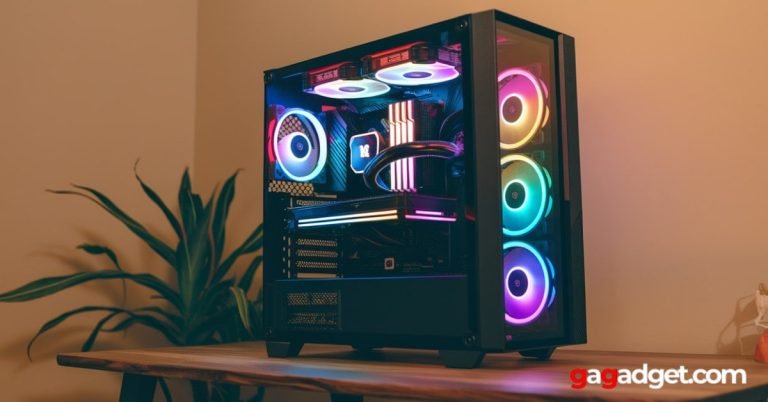
Choose AIO if: your CPU is 200W+ sustained (Intel Core Ultra 9 285K with power limits removed, Threadripper), your case has limited clearance for a tower cooler, you want RGB aesthetics in a windowed case, or your case layout makes a radiator more efficient than a tower heatsink for overall case airflow.
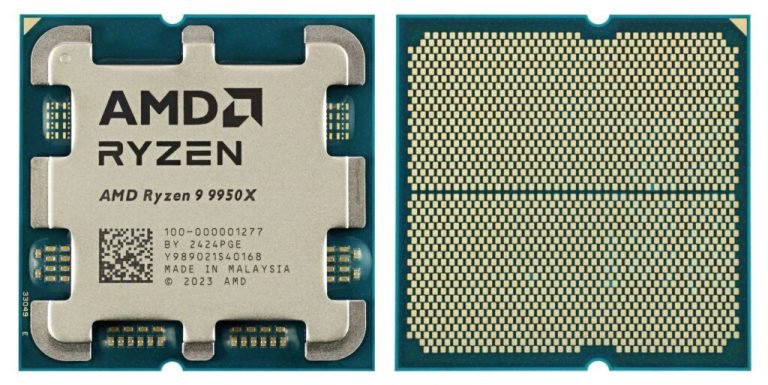
For specific component recommendations at each price tier, read our gaming PC build guide. For processor reviews that inform cooling requirements, see our Intel Core Ultra 9 285K review and AMD Ryzen 9 9950X review.
The Bottom Line
For most gaming builds with CPUs under 170W: buy a quality air cooler. The Noctua NH-U12S Redux at $49 or the be quiet! Pure Rock 2 at $39 handle most AMD and Intel gaming CPUs with margin to spare, will never fail from pump degradation, and run quietly with their included fans. Save the $70-$130 you would spend on an AIO and put it toward better GPU or storage. For extreme overclocking and very high TDP CPUs: a 360mm AIO earns its keep.