Android 16 Features Ranked: What Actually Changes Your Daily Life
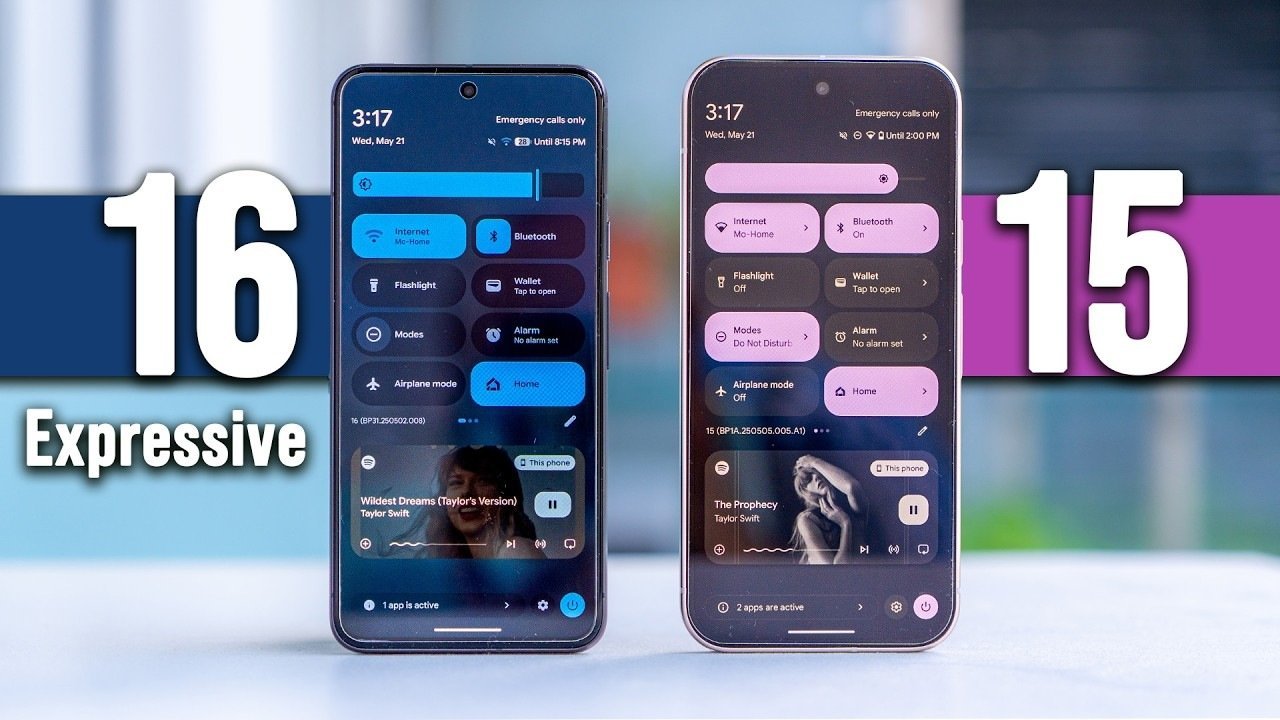
Google releases Android updates every year and every year the announcement deck is full of features that sound impressive but barely affect daily use. Android 16 is different in a few key ways. Some of what shipped this year genuinely changes how you interact with your phone. Other additions are nice to have. A few are barely noticeable. Here is how the major features stack up, ranked by real-world impact.
1. Adaptive Refresh Rate Improvements
Android 16 finally gives all LTPO-capable phones – not just Pixels – system-level control over refresh rate stepping. Where Android 15 left this to manufacturers, Android 16 standardizes the behavior. The result: smoother scrolling on compatible hardware and noticeably better battery life during static content like reading. If you have a phone with an LTPO panel, this is the single biggest daily-use upgrade in Android 16.
2. Predictive Back Gesture Fully Enabled
Introduced in Android 13 and expanded each year, predictive back is now mandatory for all apps targeting Android 16. When you swipe back, you see a preview of where you are going before you release. It sounds small. After a week it feels essential – you stop the gesture mid-swipe when you realize the destination is not what you wanted. Developers who have not updated their apps yet will find their apps broken until they comply.
3. Health Connect Expansion
Health Connect now supports real-time data sharing between apps. Previously, health data synced on a delay. Now, a heart rate reading from your smartwatch can immediately feed into a fitness app or medical tracker. For anyone using Android as part of a health monitoring setup, this closes a gap that existed since Health Connect launched. The expanded permissions UI also makes it clearer what each app can access.
4. Notification Cooldown
Android 16 introduces a “notification cooldown” for apps that send repetitive alerts within a short window. The first notification comes through at full volume and priority. Subsequent notifications from the same app within a set time period are automatically quieted. This targets apps like food delivery services and social media that fire multiple alerts in seconds. It is one of the most immediately useful quality-of-life additions in this release.
5. Gemini Integration Deepens
Gemini, Google’s AI assistant, now hooks into more system-level functions in Android 16. You can ask it to summarize a page you are reading, describe what is on your screen, or trigger actions in third-party apps through natural language. The on-device Nano version handles basic queries without sending data to Google’s servers. Whether you find this useful depends entirely on how often you reach for an AI assistant – but for those who use Gemini daily, the deeper OS integration reduces friction.
6. Satellite Messaging
Android 16 adds a standardized satellite messaging API, letting compatible hardware send texts via satellite when cellular coverage drops. Pixel 9 series and certain Samsung devices already support the hardware side. Android 16 gives third-party carriers and apps a framework to tap into it. If you spend time in remote areas, this is a genuine safety upgrade. For urban users, it will never matter.
7. Desktop Windowing Refinements
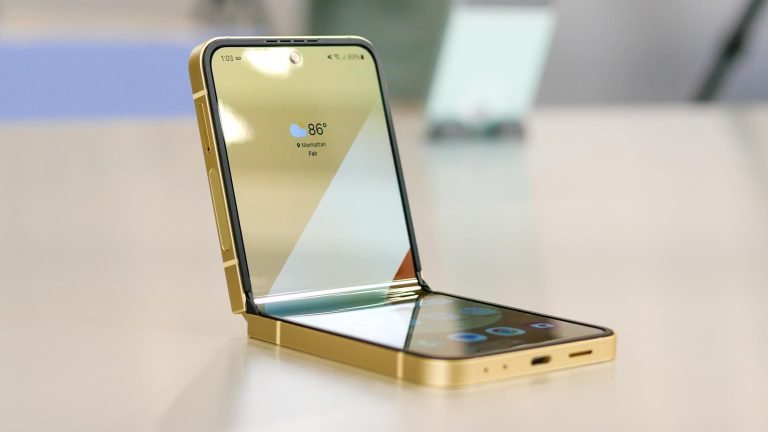
Android 16 refines the desktop windowing mode that appeared in Android 14 for foldables. Windows now snap to grid positions, resize more predictably, and support proper keyboard shortcuts for cut, copy, paste, and window management. If you use a foldable as a productivity device with a Bluetooth keyboard, this update makes the experience closer to a Chromebook. For standard phones, this feature remains invisible.
8. Private Space Improvements
Private Space, which launched in Android 15 as a locked container for sensitive apps, gains a few quality-of-life improvements in Android 16. You can now schedule automatic locking after a set idle period, and Private Space apps can use their own notification channels without bleeding through to the main profile. Biometric unlock options also expanded. If you used Private Space before, these changes make it more practical. If you did not, they are unlikely to convert you.
9. Camera2 and CameraX Updates
Android 16 extends the Camera2 and CameraX APIs with better access to RAW capture controls, improved HDR video pipeline hooks, and more granular autofocus controls for developers. End users will not feel this directly – but camera apps built on these APIs will improve. Expect third-party camera apps to release updates that take advantage of these new controls over the next few months.
10. Accessibility Overhaul
TalkBack, Android’s screen reader, received its most significant update in years. Navigation gestures are redesigned, image description quality improved through on-device AI, and Braille display compatibility expanded. For the 285 million people globally with significant visual impairment, these changes matter enormously. For sighted users, they are invisible – but worth knowing the platform is improving in this area.
What Did Not Make the Cut
Several features announced for Android 16 landed in limited rollouts or remain Pixel-exclusive for now: the upgraded Pixel Screenshots app, Advanced Protection Mode, and the new Emergency SOS satellite calling. These will expand to more devices over time but are not part of the base Android 16 experience on all phones.
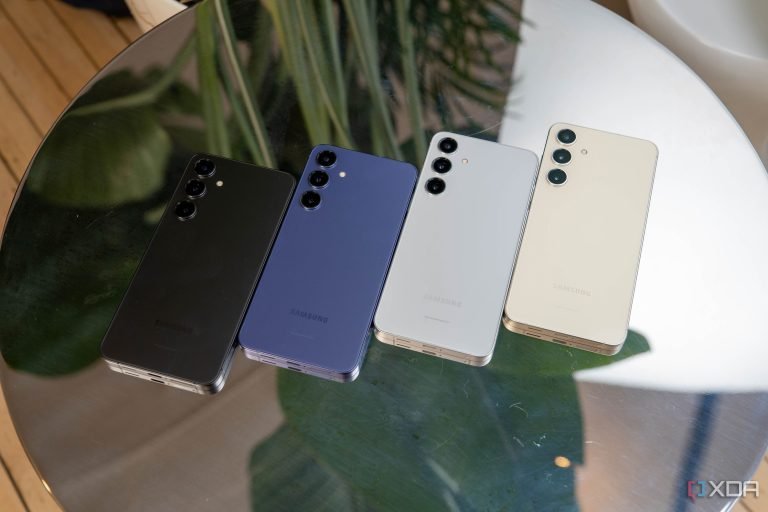
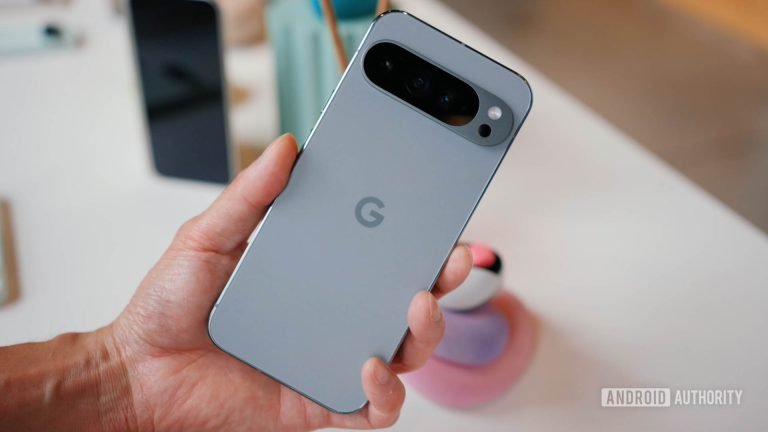
For context on which phones will receive Android 16 first, check our Pixel 9 Pro review – Google’s own device remains the fastest path to every Android 16 feature. Our Galaxy S25 Ultra review covers how Samsung layers One UI on top of the base Android experience.
The Bottom Line
Android 16 is a refinement release with a few standout additions. The predictive back gesture enforcement, notification cooldown, and adaptive refresh improvements are the features you will feel most in daily use. The AI integrations require buying into Google’s ecosystem to get full value. The accessibility updates matter to users who depend on them. Overall, Android 16 moves the platform forward without rewriting the experience – which is exactly what a mature OS should do.