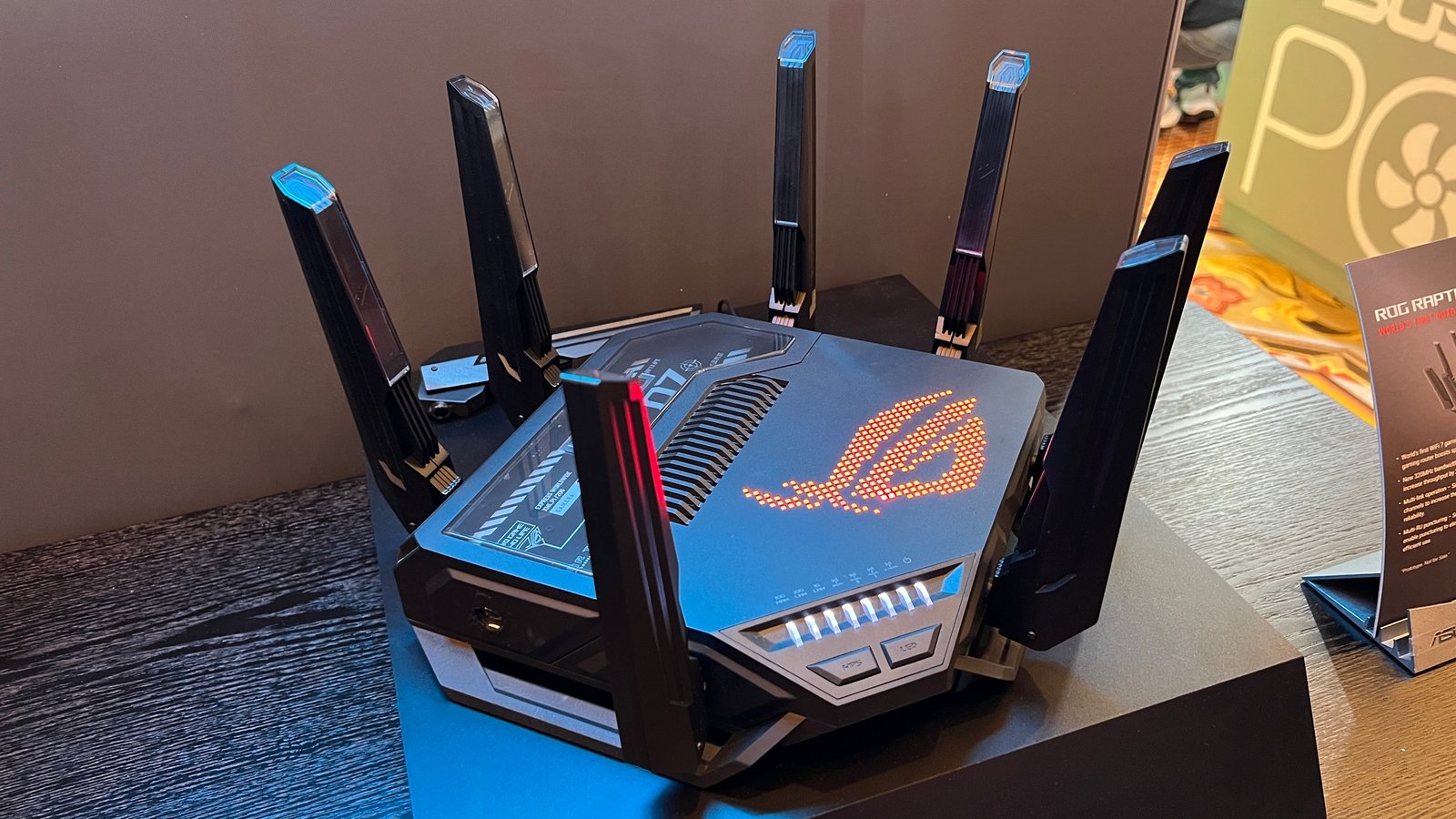
The wireless standard naming changed in 2018 from confusing alphanumeric labels (802.11ac, 802.11ax) to a simpler numbered system. Wi-Fi 6 corresponds to 802.11ax, Wi-Fi 6E adds the 6 GHz band, and Wi-Fi 7 (802.11be) launched commercially in 2024. Each generation delivers real improvements, but their practical impact depends on factors most articles do not explain clearly. This explainer covers what actually changed and whether any of it matters for your home setup.
Wi-Fi 5 (802.11ac): Where Most Homes Still Are
Wi-Fi 5, released in 2013, is what most home routers sold before 2020 use. It operates on the 2.4 GHz and 5 GHz bands, with theoretical maximum speeds of around 3.5 Gbps on the 5 GHz band. In real-world use, a Wi-Fi 5 router delivers 200-500 Mbps to a single device. It handles a handful of devices well but starts to struggle when 10-15 devices connect simultaneously, since it cannot efficiently manage multiple simultaneous streams – devices essentially take turns rather than transmitting concurrently.
Wi-Fi 6 (802.11ax): Efficiency Over Raw Speed
Wi-Fi 6’s biggest improvement over Wi-Fi 5 is not raw speed – it is efficiency. Three technologies enable this:
OFDMA (Orthogonal Frequency Division Multiple Access): Divides each channel into smaller subchannels, allowing a single router to transmit to multiple devices simultaneously rather than taking turns. This dramatically improves performance in dense environments – an apartment building where dozens of networks overlap, a home with 20+ connected devices.
MU-MIMO (Multi-User Multiple Input Multiple Output): Wi-Fi 6 expands this to 8 simultaneous spatial streams (up from 4 in Wi-Fi 5), allowing the router to communicate with more devices at once.
Target Wake Time (TWT): Devices negotiate scheduled wake times with the router, reducing the time they spend in radio-active states. This significantly extends battery life for IoT devices and phones – a meaningful improvement for smart home setups with dozens of connected sensors.
Peak theoretical throughput for Wi-Fi 6 is 9.6 Gbps – but you will never see this in practice. A realistic single-device Wi-Fi 6 speed on the 5 GHz band is 500-800 Mbps. The real benefit is maintaining those speeds even as more devices connect simultaneously.
Wi-Fi 6E: Adding the 6 GHz Band
Wi-Fi 6E takes everything Wi-Fi 6 introduced and adds the 6 GHz frequency band – 1,200 MHz of new spectrum that was opened for unlicensed use in 2021. This is a significant expansion: Wi-Fi previously had 80 MHz of usable 5 GHz channels in crowded environments; 6 GHz adds 1,200 MHz.
The practical impact: the 6 GHz band is far less congested than 2.4 GHz or 5 GHz (fewer devices use it, and it cannot penetrate walls as easily, limiting neighbor interference). Devices with Wi-Fi 6E support that are close to the router can achieve consistently high speeds in the 6 GHz band without competing with neighbors’ networks.
The limitation: 6 GHz has shorter range than 5 GHz and cannot penetrate walls effectively. It is a close-range, high-bandwidth band – best for devices within the same room as the router. Only devices released after 2021 with Wi-Fi 6E chipsets can use this band.
Wi-Fi 7 (802.11be): The Next Step
Wi-Fi 7, commercially available since 2024, introduces several key improvements:
320 MHz channels on 6 GHz: Wi-Fi 7 doubles the maximum channel width on the 6 GHz band from 160 MHz to 320 MHz, enabling theoretical peak throughput of 46 Gbps. Practical single-device speeds on a good Wi-Fi 7 connection exceed 5 Gbps on the 6 GHz band.
Multi-Link Operation (MLO): A Wi-Fi 7 device can simultaneously use multiple bands (2.4 GHz, 5 GHz, and 6 GHz) at once, aggregating bandwidth and switching traffic between bands dynamically based on congestion. This reduces latency and improves reliability compared to devices that can only use one band at a time.
4K QAM: Higher-order modulation that squeezes more data into each transmission – a 20% throughput improvement over Wi-Fi 6’s 1024 QAM, all else being equal.
Who Should Upgrade and When
The honest answer for most home users:
Still on Wi-Fi 5: Upgrading to a Wi-Fi 6 router provides a meaningful real-world improvement if you have 10+ connected devices or live in a dense apartment building with lots of network congestion. A solid Wi-Fi 6 router costs $100-$150.
Already on Wi-Fi 6: Wi-Fi 6E provides noticeable improvement only if you have 6E-capable devices (phones and laptops from 2022 and later) and your environment is congested. For most homes, Wi-Fi 6 is sufficient for the near future.
Wi-Fi 7: Currently in the enthusiast and future-proofing category. ISP plans above 1 Gbps benefit from Wi-Fi 7, as do setups with multiple VR headsets, 8K streaming (niche), or high-density professional environments. For a typical home with a 500 Mbps ISP plan, Wi-Fi 6 already maxes out the available throughput – Wi-Fi 7 provides no bottleneck relief.
If you are setting up a home network from scratch, a Wi-Fi 6 or Wi-Fi 6E router is the right starting point. For guidance on the full setup process, see our complete home network setup guide.
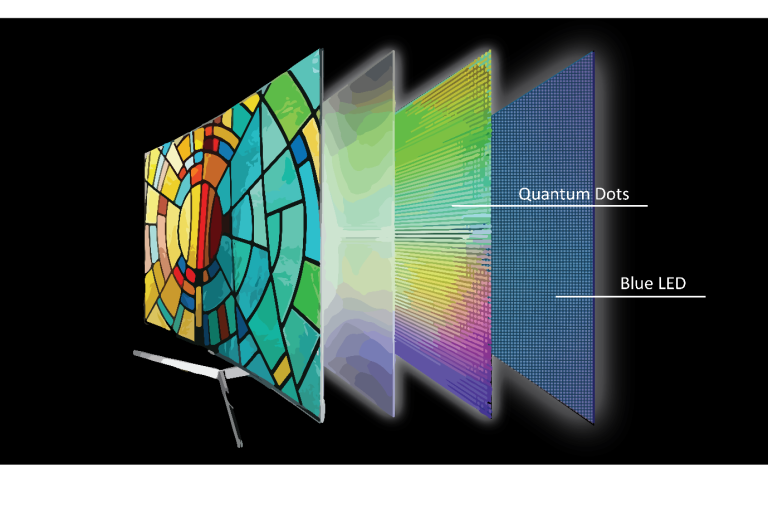
OLED appears in the spec sheets of premium phones, TVs, laptops, and monitors. This explainer covers how OLED actually works, why it produces better blacks, and where LCD still has advantages.
Bluetooth is in almost every device you own, but most people have no idea why it sometimes drops, why range varies so much, or what the version number on the spec sheet actually means. This explainer covers all of it.
NFC enables Apple Pay, contactless credit cards, transit cards, and device pairing. This explainer covers how NFC works, why it requires physical proximity, and where it is used beyond just payments.
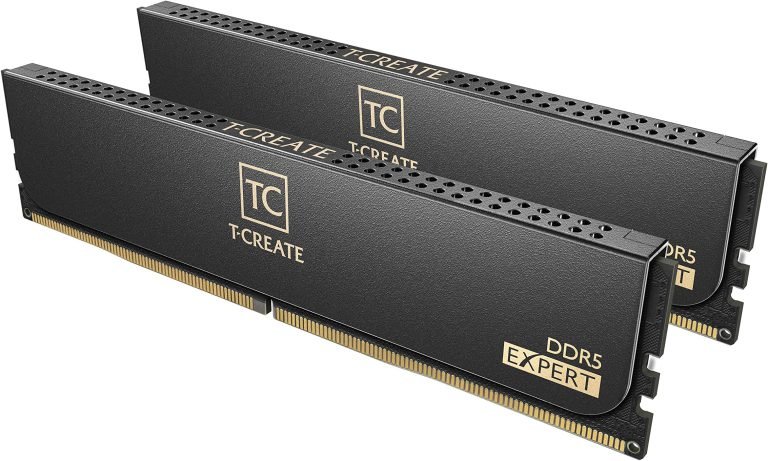
DDR5 is faster than DDR4 on spec sheets, but the real-world performance difference depends heavily on your CPU and workload. This explainer covers what changed between generations and which one makes sense for a PC build in 2026.
Encryption is mentioned in privacy policies, VPN marketing, and security news. This explainer covers what encryption actually does, how HTTPS protects your browser traffic, and what “end-to-end encryption” means for messaging apps.
Latency is the delay between an action and its result – whether that is your click registering in a game, your voice reaching someone on a call, or a webpage loading. This explainer covers network latency, input latency, and display latency, and why each type matters differently.