What Is NFC and How Does It Work? Apple Pay, Tap-to-Pay, and More
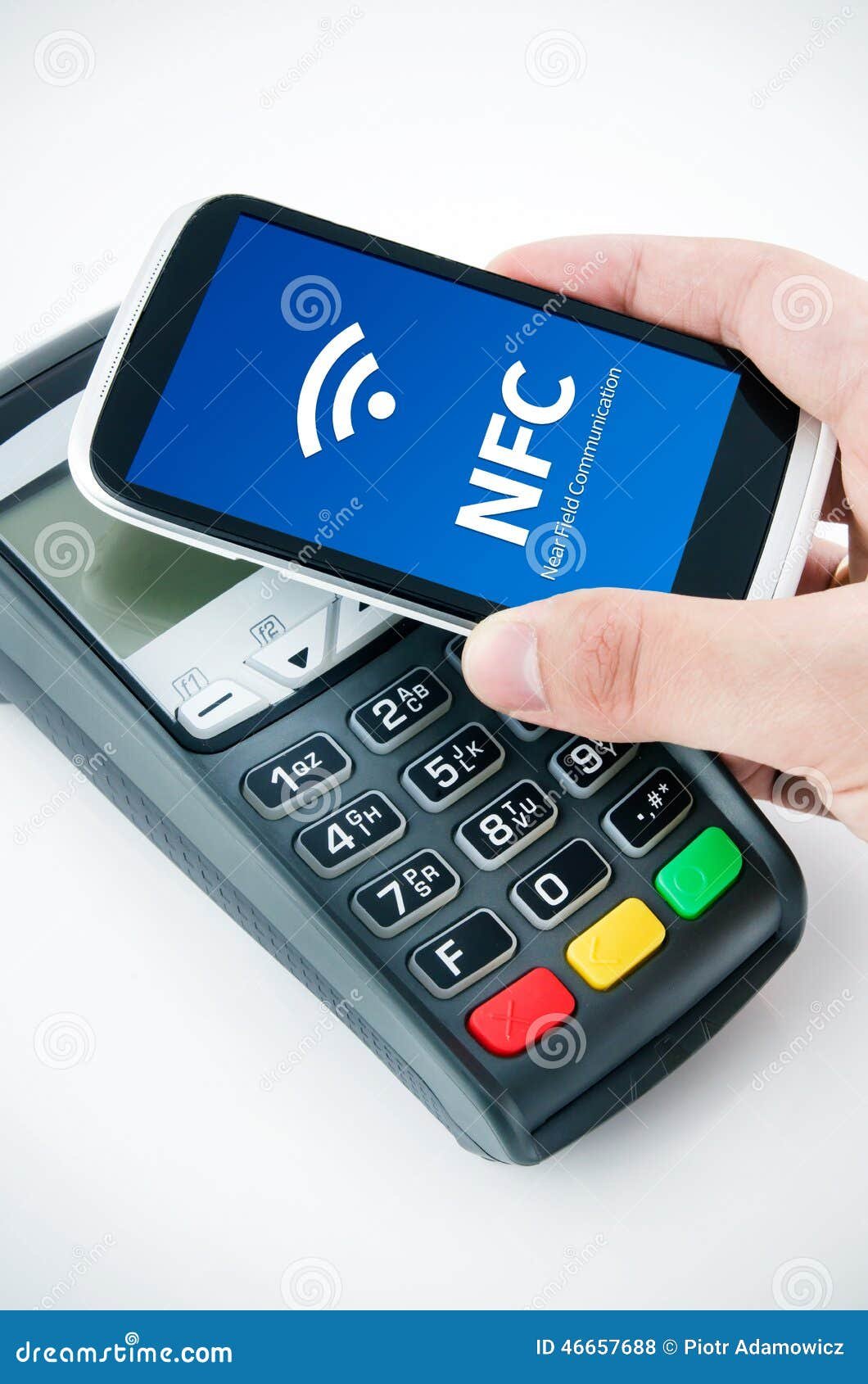
NFC (Near Field Communication) is the technology behind tap-to-pay with your phone at checkout, contactless credit cards, public transit cards, and the “tap to pair” feature when connecting some Bluetooth devices. It is ubiquitous but rarely understood. This explainer covers how NFC actually works, why it only works at very close range, and the range of places it is used beyond just payments.
The Basics: What NFC Is
NFC is a short-range wireless communication standard that operates at 13.56 MHz and transfers data at up to 424 kbps over a maximum distance of about 4 centimeters (roughly 1.5 inches). It is derived from RFID (Radio Frequency Identification) technology but adds bidirectional communication capability – standard RFID is one-way (tag broadcasts to reader), while NFC devices can both send and receive.
The physics of NFC rely on electromagnetic induction – the same principle as wireless charging. An NFC reader generates a radio field at 13.56 MHz; a passive NFC tag (with no battery) harvests energy from this field to power its tiny chip and transmit back. This is why NFC tags are cheap and battery-free: they only need to work within the reader’s field, powered by the reader’s radio energy.
Why NFC Only Works at Close Range
The range of NFC is deliberately short – by design, not limitation. The electromagnetic induction coupling that powers NFC falls off with the square of the distance. Beyond about 4 cm, the field is too weak to power a passive tag or maintain a reliable connection. This inherent proximity requirement is a security feature: someone cannot intercept your NFC payment from across the room or through your bag. Physical presence within centimeters is required, which limits eavesdropping and man-in-the-middle attacks in ways that longer-range wireless technologies cannot guarantee.
How Apple Pay and Google Pay Use NFC
When you pay at a contactless terminal with your iPhone or Android phone, the sequence is:
- You authenticate (Face ID, Touch ID, or PIN) to authorize the payment.
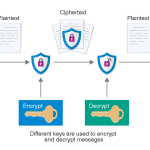
- Your phone’s NFC chip activates and generates a one-time encrypted payment token – a randomized number that represents your card for this single transaction, but is not your actual card number.
- The NFC terminal reads this token over the 13.56 MHz link.
- The token is sent to the payment network (Visa, Mastercard, etc.) which validates it and approves the transaction.
- The token is used once and discarded – your real card number never travels over NFC.
This tokenization is why mobile payments are actually more secure than traditional card swipes or chip-and-PIN in some respects: even if someone intercepted the NFC transmission, they would capture a single-use token that is useless for any other transaction.
Contactless Credit and Debit Cards
Cards with the contactless symbol (four curved lines) contain a passive NFC chip and antenna embedded in the card. Unlike phone-based payments, the card does not have biometric authentication – the “tap” alone is sufficient. This is why most banks set a contactless card transaction limit ($50-$100 in most countries) – above that limit, PIN entry is required as an additional security layer. The card’s NFC implementation also uses tokenization, though the card’s chip encrypts each transaction differently rather than using the more advanced mobile wallet tokenization.
Transit Cards and NFC
Many transit systems (London Oyster, Tokyo Suica, New York OMNY, Singapore EZ-Link) use NFC-based smart cards. These are read-write cards – the transit system writes transaction data back to the card on each use, recording the journey taken and updating the stored balance. Some transit systems now accept Apple Pay and Google Pay directly, using the mobile phone’s NFC chip instead of a dedicated transit card.
NFC Tags: The Programmable Stickers
NFC tags are inexpensive stickers or key fobs containing a passive NFC chip. They can be programmed to trigger actions when tapped with a phone – launching an app, opening a URL, toggling a setting, or sharing contact information. Use cases: a tag near your home entrance that turns on Wi-Fi and disables data saving mode when you arrive home, a tag on your desk that launches your work calendar app, or business cards with embedded NFC that open your LinkedIn profile when tapped. NFC tags cost $0.10-$0.50 each in bulk and are writeable from free apps on both iPhone (iOS 13+) and Android.
NFC Device Pairing
Some Bluetooth headphones and speakers use NFC for initial pairing – tapping the device to the phone initiates the Bluetooth pairing sequence automatically rather than requiring you to navigate Bluetooth settings and select the device. Samsung’s NFC-based Android Beam (now retired) used NFC for contact and file sharing. Some smart locks, hotel room keys, and access cards use NFC instead of traditional magnetic stripe or RFID key cards.
Which Phones Support NFC
NFC is standard on flagship and mid-range phones from all major manufacturers in 2026. iPhones have supported NFC since iPhone 6 (2014), though Apple Pay was the only NFC use case on early models; full NFC tag reading was added in iOS 11 (iPhone 7 and later). Android phones have generally supported full NFC including tag read/write capabilities for longer. Budget phones under $150 may omit NFC to reduce component costs – check the spec sheet if NFC payment is important to you.
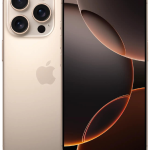
For a phone with strong NFC support and the latest Apple Pay features, see our iPhone 16 Pro review or our Samsung Galaxy S25 Ultra review for the Android perspective on NFC and tap-to-pay capabilities.